
Digital guide

You are here:

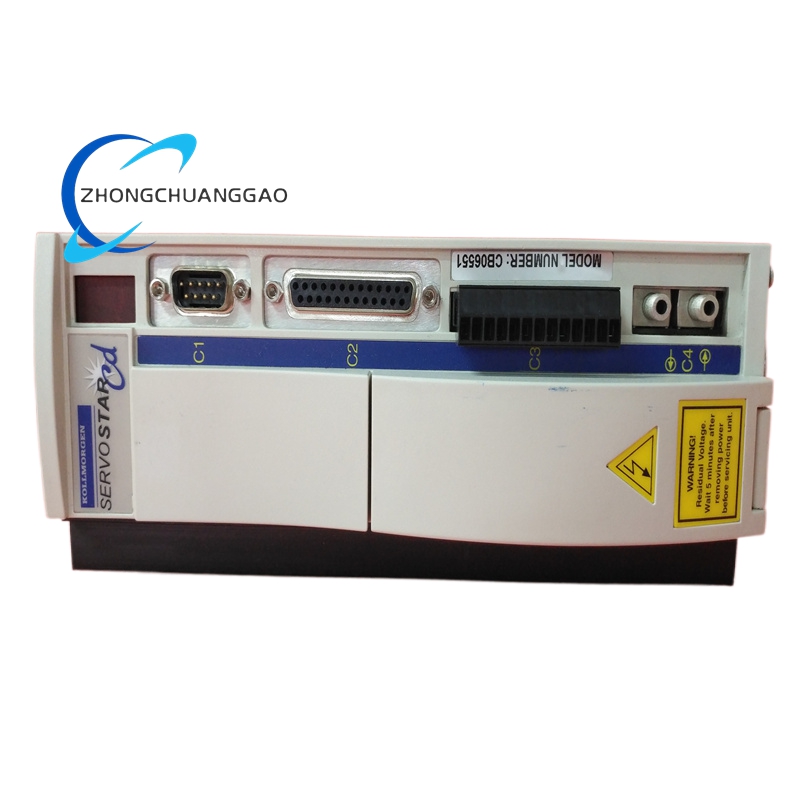
Kollmorgen S61001-S / S61001-SE

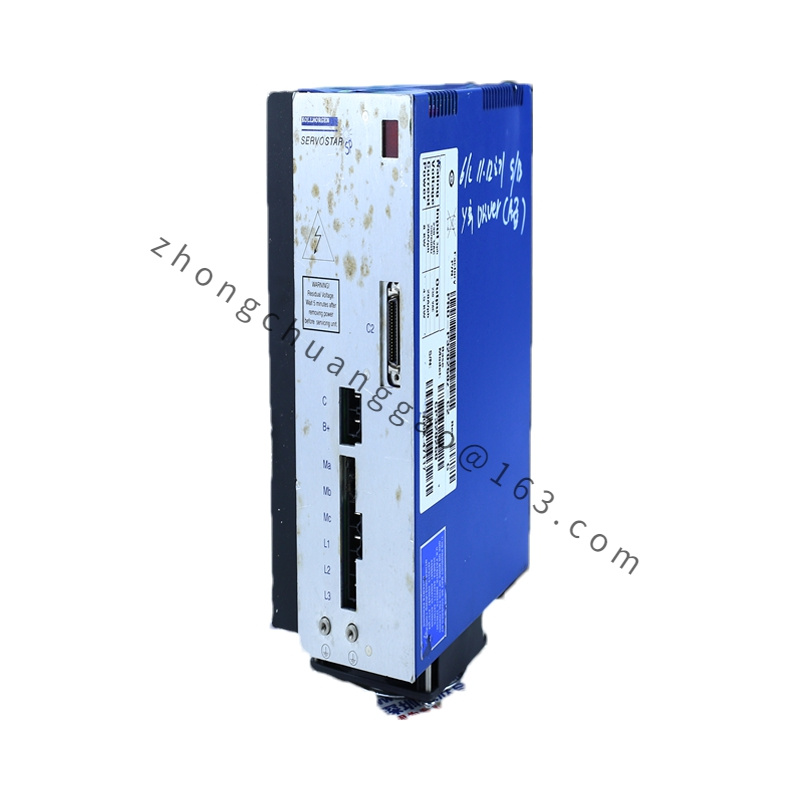
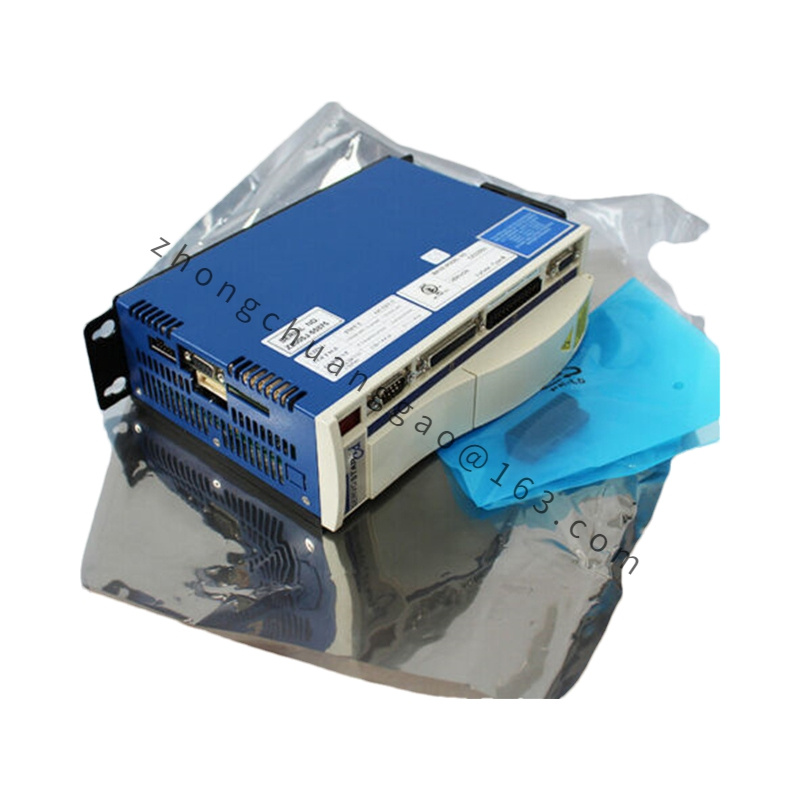
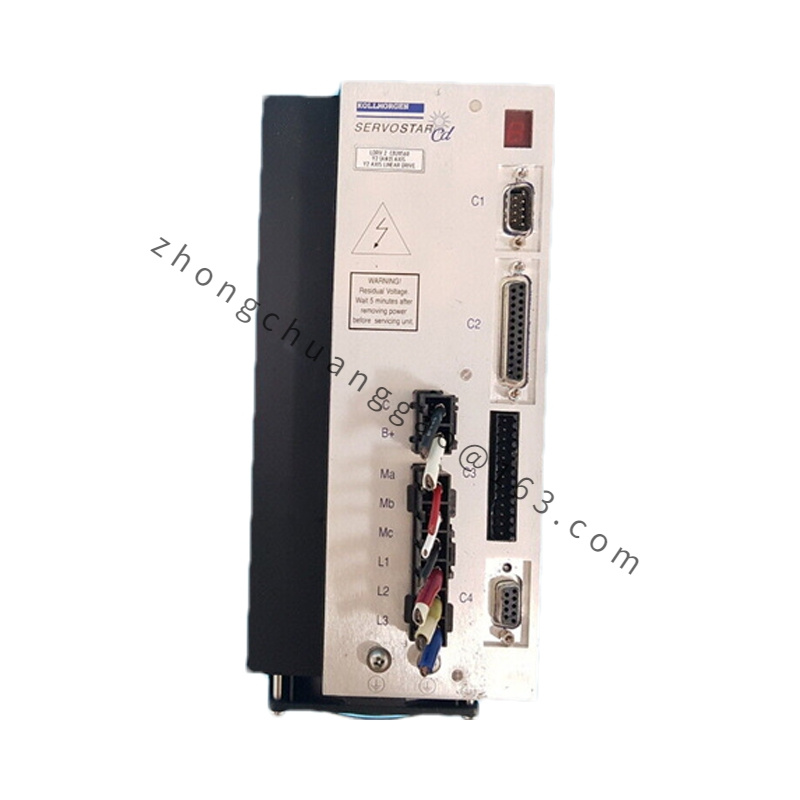
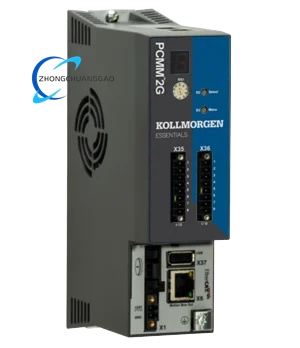
Product Introduction:​ Kollmorgen S600 (also called S61000 series) digital servo drives were the predecessor to AKD, offering high-bandwidth torque/velocity control for brushless servo motors. S61001 = base model with specific I/O & power section. “-S” typically = standard I/O; “-SE” = with enhanced EMC filtering or export config. These are now largely obsolete but still supported in many legacy machines. [citation:15 context]

Detailed content

  • Typical Specifications (S61001 class):
    • Input: 3 × 208–480 VAC (model dependent) or 1 × 115/230 VAC low-power variants
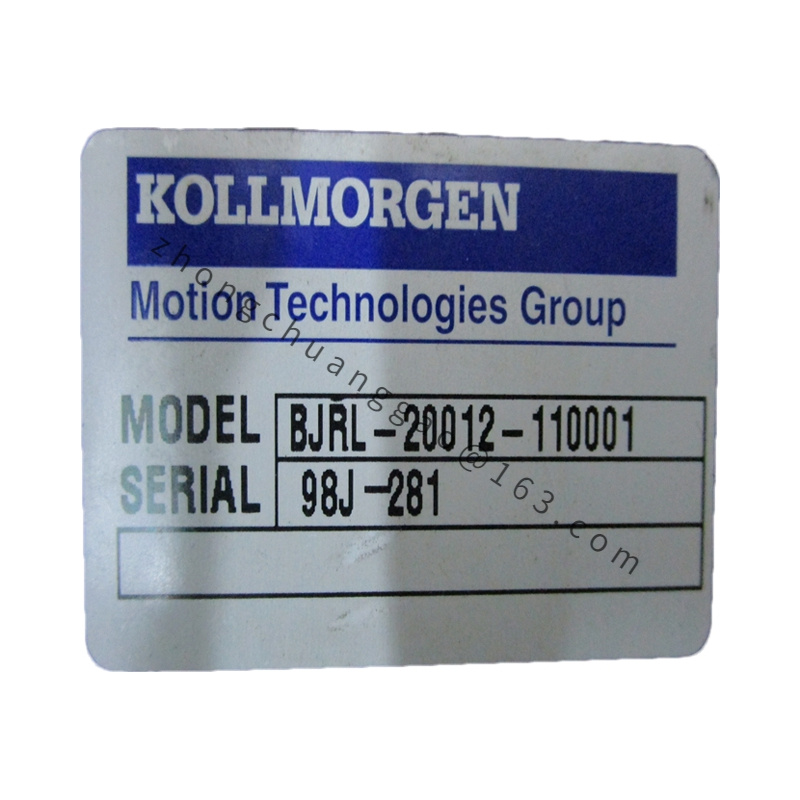
    • Continuous Output Current: varies by sub-suffix (common 3–10 A; check label)
    • Peak Current: ~2–3× continuous for short duration
    • Control Modes: Torque (±10 V analog), Velocity (analog or internal), Position (follower or step/dir with option card)
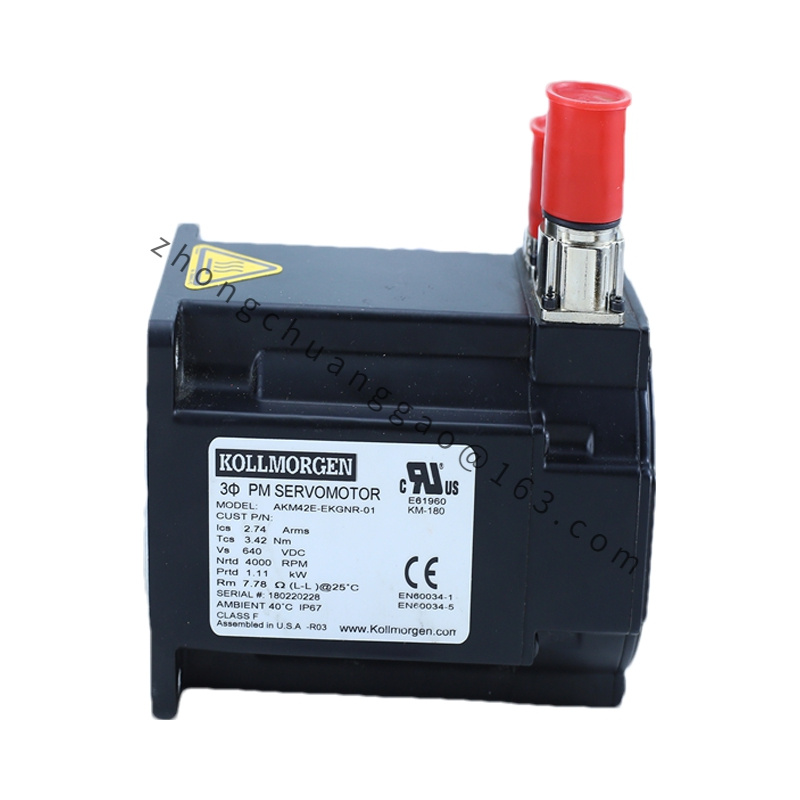
    • Feedback: Resolver, incremental encoder, optional SinCos or absolute (with option card)
    • Bandwidth: Current loop ~2–3 kHz; Velocity loop programmable
    • I/O: Optically isolated inputs (Enable, Fault Reset, Home, etc.), analog monitor outputs
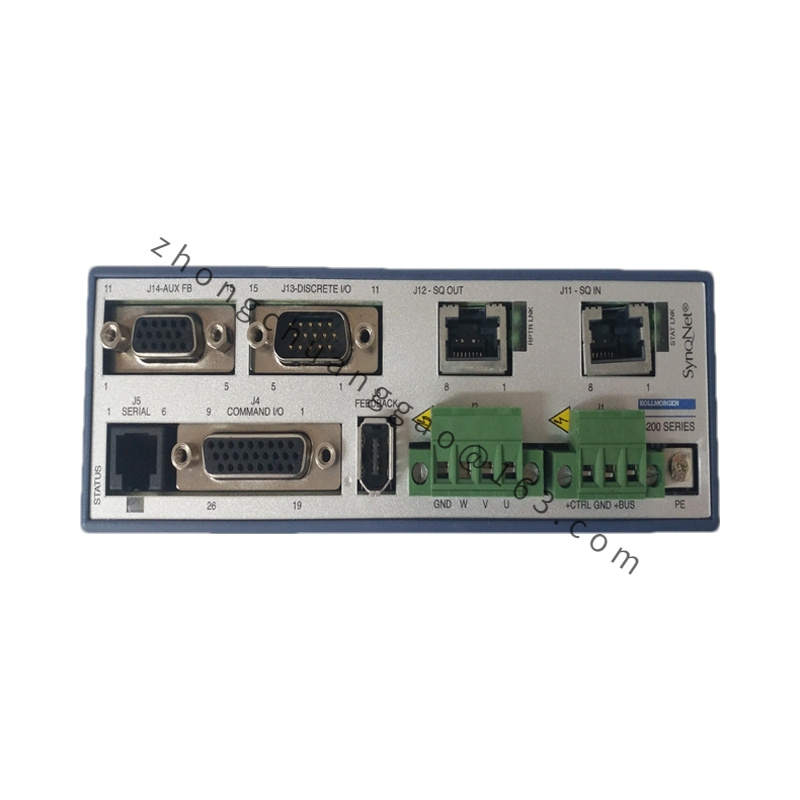
    • Communication: Serial RS-232/485 service port for setup (via Kollmorgen ServoStar Setup software)
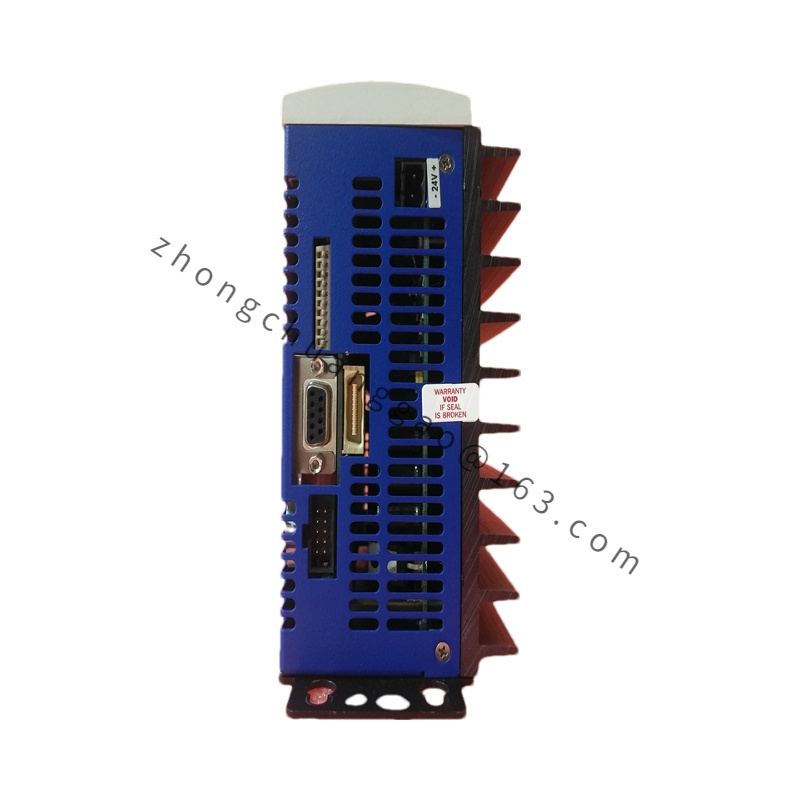
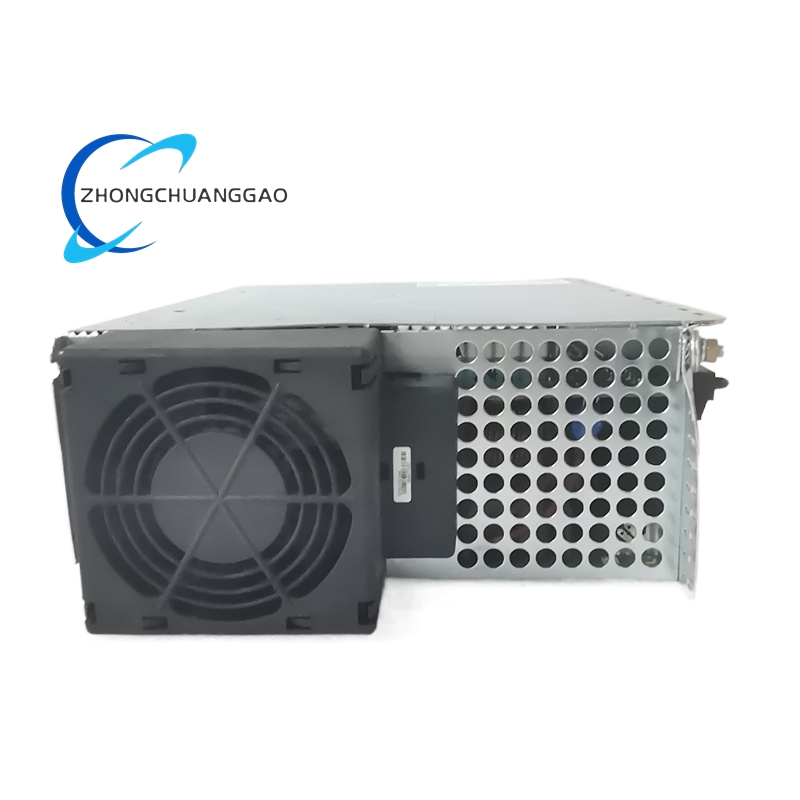
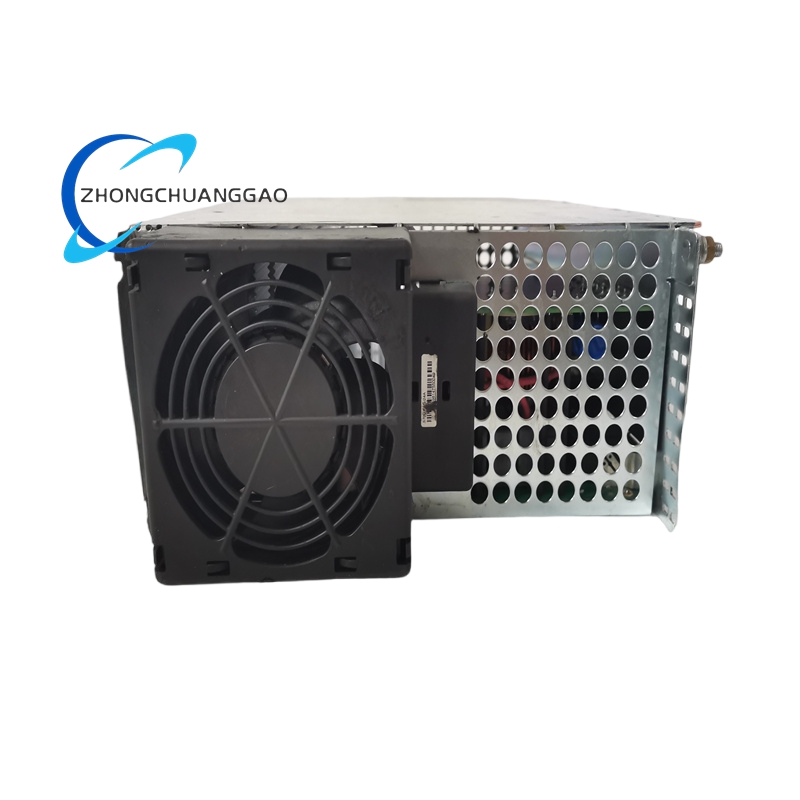
  • Structure:​ Metal enclosed chassis, panel mount, IP20; forced-air cooling fan (some models); screw-terminal connections
  • Features:​ Auto-commissioning (limited vs AKD), gain scheduling, electronic gearing (with option), fault diagnostics (overcurrent, overtemperature, following error, encoder loss)
  • Installation & Notes:​ Requires separate 24 VDC logic supply; match motor’s Ke, pole count, and feedback type in setup software; ensure regeneration handling if decelerating large inertias; follow legacy Kollmorgen S600 Installation Manualfor wiring and parameterization.
  • Precautions:​ Obsolete product — spare parts may be limited; verify compatibility before replacing with AKD (AKD can often substitute with proper parameter setup); high voltage present on DC bus after power-off — wait for discharge (LED indication) before touching terminals.

You may also like