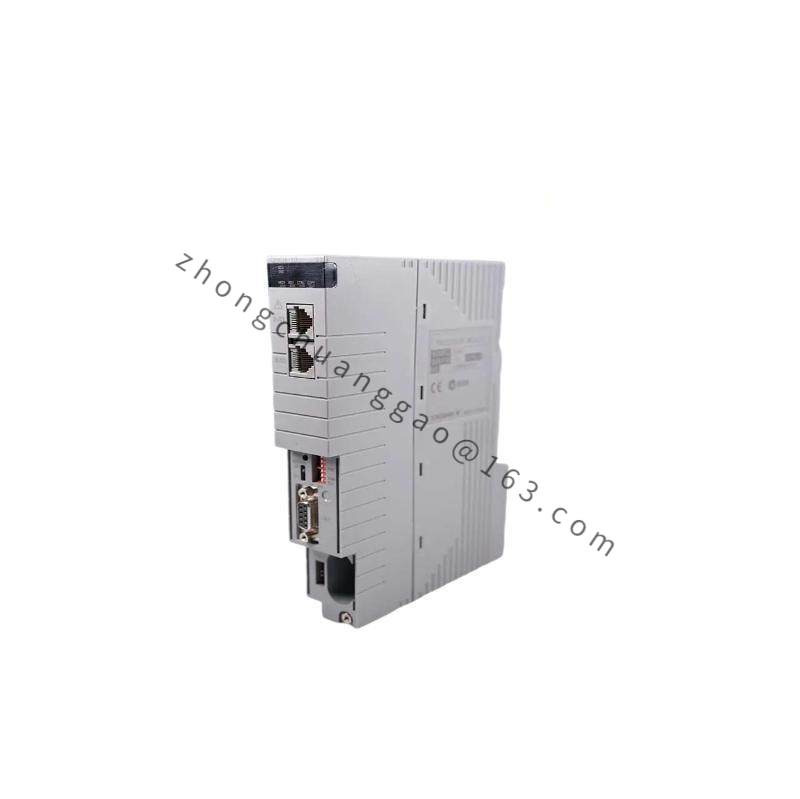

Product Introduction:
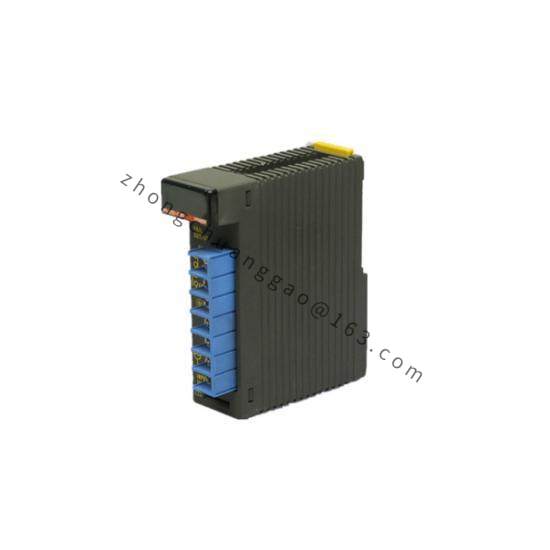
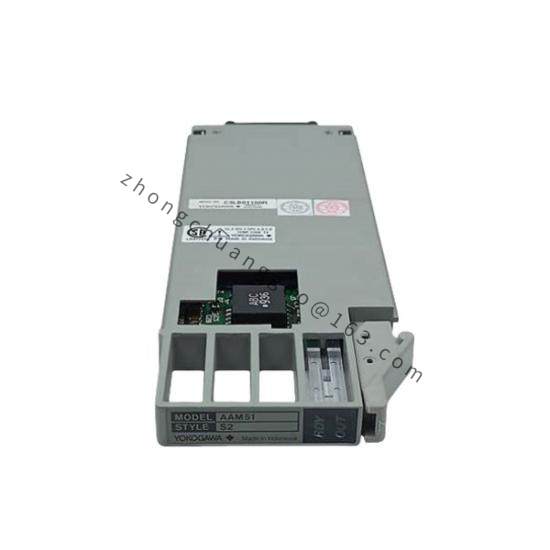
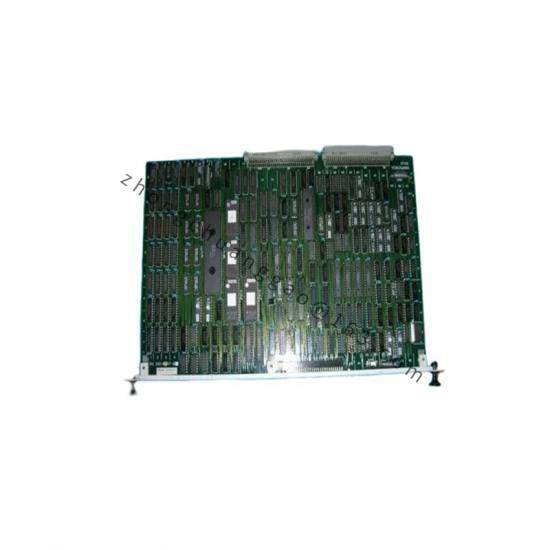
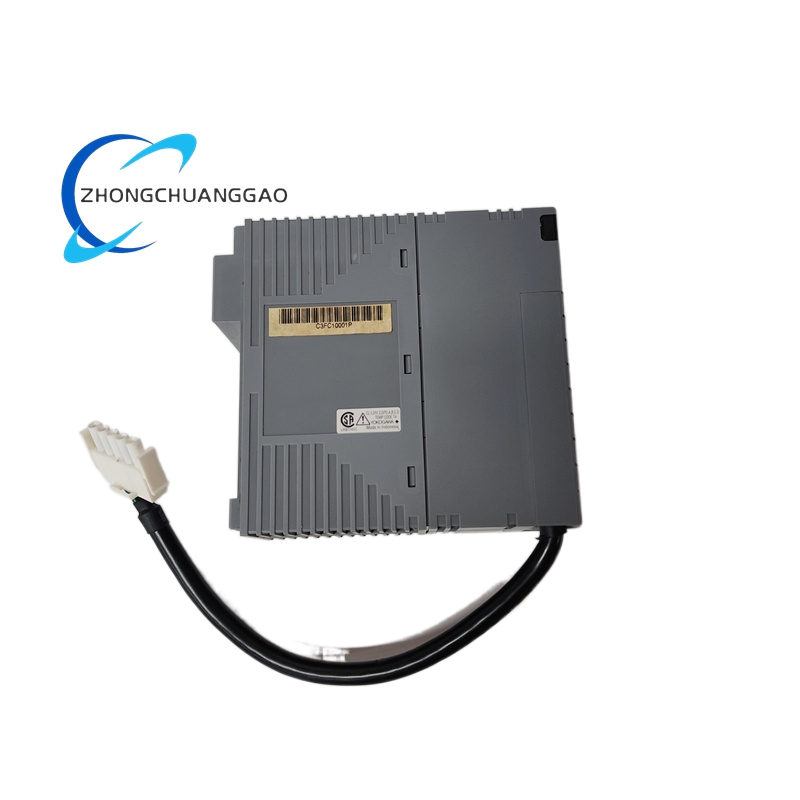
The UR1400A6KD-2XN*C is an advanced paperless recorder from Yokogawa’s UR1400 Series, featuring 6 universal input channels with support for K-type thermocouple and multiple other sensor types. It uses a TFT color LCD display, has built-in large-capacity flash memory for historical data storage, and supports Ethernet communication. The asterisk suffix (*C) indicates this is a customer-customized configuration.
Technical Specifications:
| Parameter | Specification |
|---|---|
| Display | 5.6-inch TFT color LCD (640×480 pixels) |
| Recording Channels | 6 channels (universal input) |
| Input Type (K config) | K-type Thermocouple; supports TC, RTD, mA, V, frequency (universal) |
| Sampling Rate | Fastest 100ms/channel (500ms when 6 channels simultaneous) |
| Recording Capacity | Built-in flash: approximately 30 days (at 1-second interval) |
| Accuracy | ±0.1% FS (DC voltage/current), ±0.5% FS (thermocouple input) |
| Analog Output | 4-20mA DC (up to 4 channels) |
| Alarm Output | Up to 8 relay outputs |
| Pulse Output | Up to 2 channels |
| Ethernet | 10/100BASE-TX (built-in) |
| Serial Communication | RS-232C / RS-485 (optional) |
| USB Interface | Front panel (for data export) |
| Power Supply | 100-240V AC (50/60Hz) or 24V DC |
| Power Consumption | Approximately 12W (AC supply) |
| Operating Temperature | 0°C to +50°C |
| Operating Humidity | 30% to 85% RH (non-condensing) |
| Installation Method | DIN rail / Panel recessed mount (96×96mm cutout) |
| Protection Rating | IP65 (front panel) |
Material Composition:
Structural Features:
Working Principle:
The UR1400A6KD-2XN*C uses multi-channel A/D converters to simultaneously sample 6 input channels. Sampled data undergoes digital filtering and engineering unit conversion, then is displayed as real-time trend curves and numerical values on the TFT screen, while simultaneously being stored in the built-in NAND flash memory. Data can be uploaded to a host SCADA/DCS system via Ethernet for remote monitoring and data management. The alarm function compares measured values against set upper/lower limits to drive relay outputs.
Functional Features:
Advantages & Highlights:
Applicable Industries:
Installation Requirements:
Usage Precautions: