YOKOGAWA AIP830-001
Product Name
YOKOGAWA AIP830-001 single-loop operation keyboard
Product Introduction
The Yokogawa AIP830 is an operation keyboard for single-loop control. The suffix code -001 identifies the specific hardware configuration. It is connected to a desktop Human Interface Station and allows operators to perform loop tuning, mode selection, alarm acknowledgment, and other process operations.
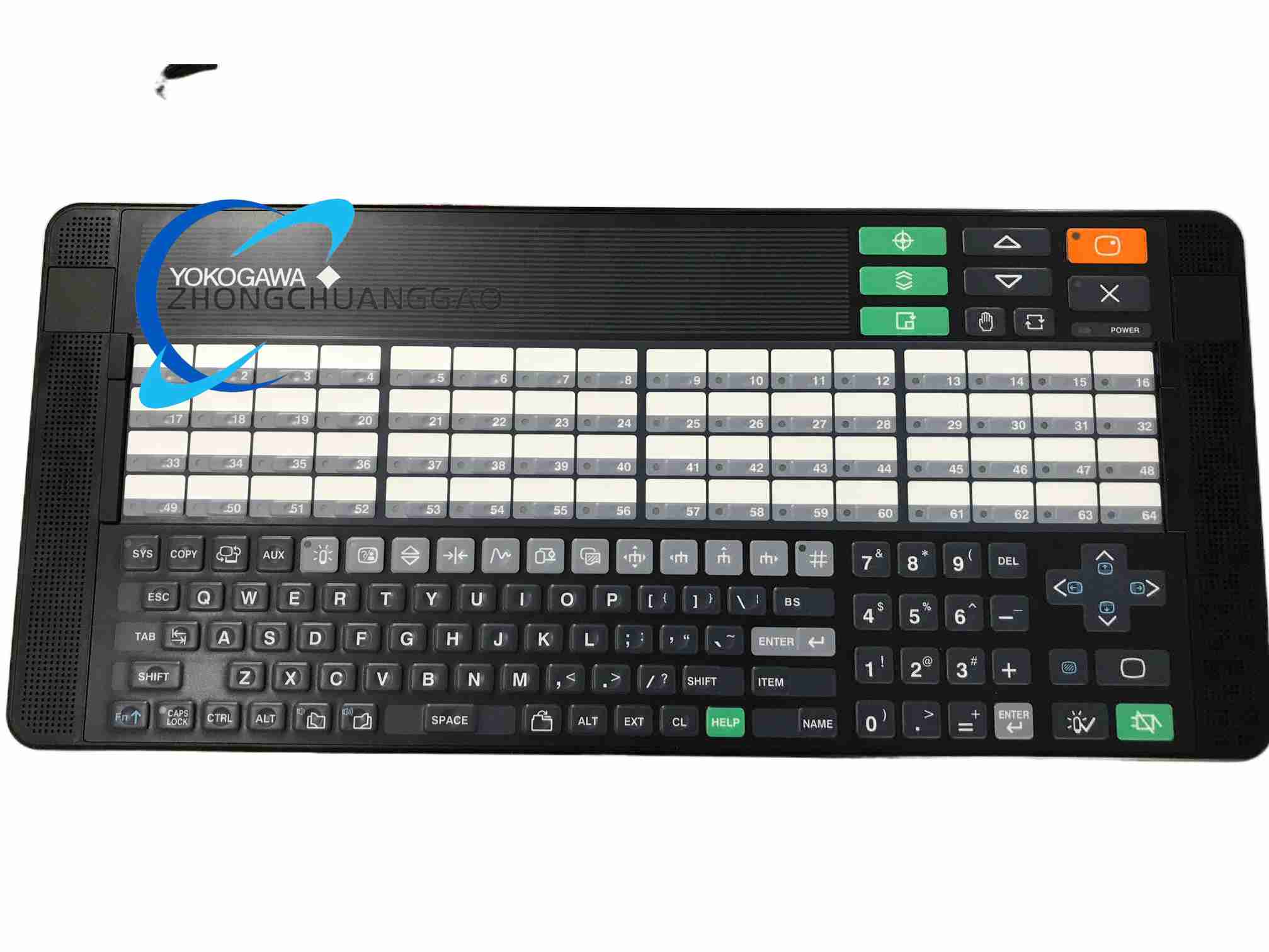
Detailed content
Technical Specifications
- Product type: flat operation keyboard
- Loop operation: single-loop
- PC interface: two USB Type-A connectors
- Keyboard interface: USB 2.0 full-speed, bus-powered
- Audio interface: USB 1.1 full-speed, bus-powered
- Input voltage: 5 V DC ±5%
- Maximum consumption current: 1 A
- Weight without VESA bracket: approximately 2.0 kg
- Weight with VESA bracket: approximately 2.5 kg
- Chassis color: black, equivalent to Munsell N1.5
- Operating temperature: 5 to 40 °C
- Storage and transportation temperature: -20 to 60 °C
- Humidity: 20 to 80% relative humidity, non-condensing
- Safety classification: IEC 61010-1, installation category I
Suffix Code Information
- AIP830: operation keyboard for single-loop operation
- -0: without mode selection switch
- -1: with mode selection switch
- 0: operation confirmation key, type A
- 1: operation confirmation key, type B
- 1: fixed suffix position
- /VESA: with VESA bracket option
- /EIM: with English instruction manual option
- /JIM: with Japanese instruction manual option
Function Features
- Dedicated keys for process operation and navigation
- Single-loop control interface
- Integrated USB sound function and independent USB speaker
- Buzzer alarm sound in addition to the USB speaker
- One keyboard per desktop-type HIS in the standard configuration
- Optional VESA mounting
- USB bus-powered operation
Application Scenarios
- CENTUM VP operator workstations
- Process plants requiring fast single-loop adjustment
- Refinery and petrochemical control rooms
- Power generation control rooms
- Pharmaceutical and chemical batch operations
- Continuous process monitoring
Performance Parameters
- Keyboard USB standard: USB 2.0 full-speed
- Audio USB standard: USB 1.1 full-speed
- Operating temperature: 5 to 40 °C
- Maximum current consumption: 1 A at 5 V DC
Material Composition
- Flat industrial keyboard enclosure
- Tactile keys and dedicated operation keys
- Internal control and audio circuit board
- Two USB Type-A connectors
- Optional VESA bracket
- Speaker or sound output components
Structural Features
- Flat desktop-style industrial keyboard
- Two fixed USB cables or connectors
- Optional VESA mounting provision
- Integrated audible alarm function
- Dedicated process-operation key layout
Working Principle
The keyboard converts key presses into USB signals that are sent to the Human Interface Station. Dedicated operation keys select loops, change control modes, adjust setpoints, and acknowledge alarms. A separate USB audio channel drives the integrated speaker, providing audible feedback and alarm sound independent of the workstation speaker.
Installation Requirements
- Connect both USB connectors directly to the HIS personal computer.
- Do not connect through an unapproved USB hub unless the system documentation permits it.
- Place the keyboard on a stable desktop or use a compatible VESA mount.
- Keep the keyboard within the specified temperature and humidity range.
- Protect the unit from liquids, dust, and direct sunlight.
Usage Precautions
- Verify that the connected HIS and keyboard options are compatible.
- Confirm the presence of required regulatory marks on the connected personal computer.
- Do not exceed the USB power capability of the host system.
- Avoid forced insertion of USB connectors.
- Clean only with methods approved for industrial electronic equipment.