Technical Specifications: Display with graphic resolution suitable for machine visualization (e.g., 108×64 or higher depending on variant); supply voltage 10 to 30 VDC; communications via RS-232 and RS-485 (×2); protocols Modbus RTU/ASCII and proprietary driver sets; operating temperature −20 °C to +75 °C; storage temperature −25 °C to +80 °C; front membrane/touch keypad; rail or wall mounting; password protection and copy protection for projects;断电保持 (retentive memory) for parameters; project transfer via storage card or serial link.
Functional Features: Integrated HMI with built-in function blocks and ladder-type logic capability; parameterizable screens with text display and editable parameters; simulation function for offline testing; preset function-block library; expandable I/O addressing space; secure project storage with copy protection; rugged front bezel suited to industrial panels.
Application Scenarios: Machine operator panels for packaging, textile, printing, and processing equipment; small PLC visualization; pump and compressor control panels; building-services and HVAC control stations; retrofit of legacy machines requiring a compact text/graphic terminal.
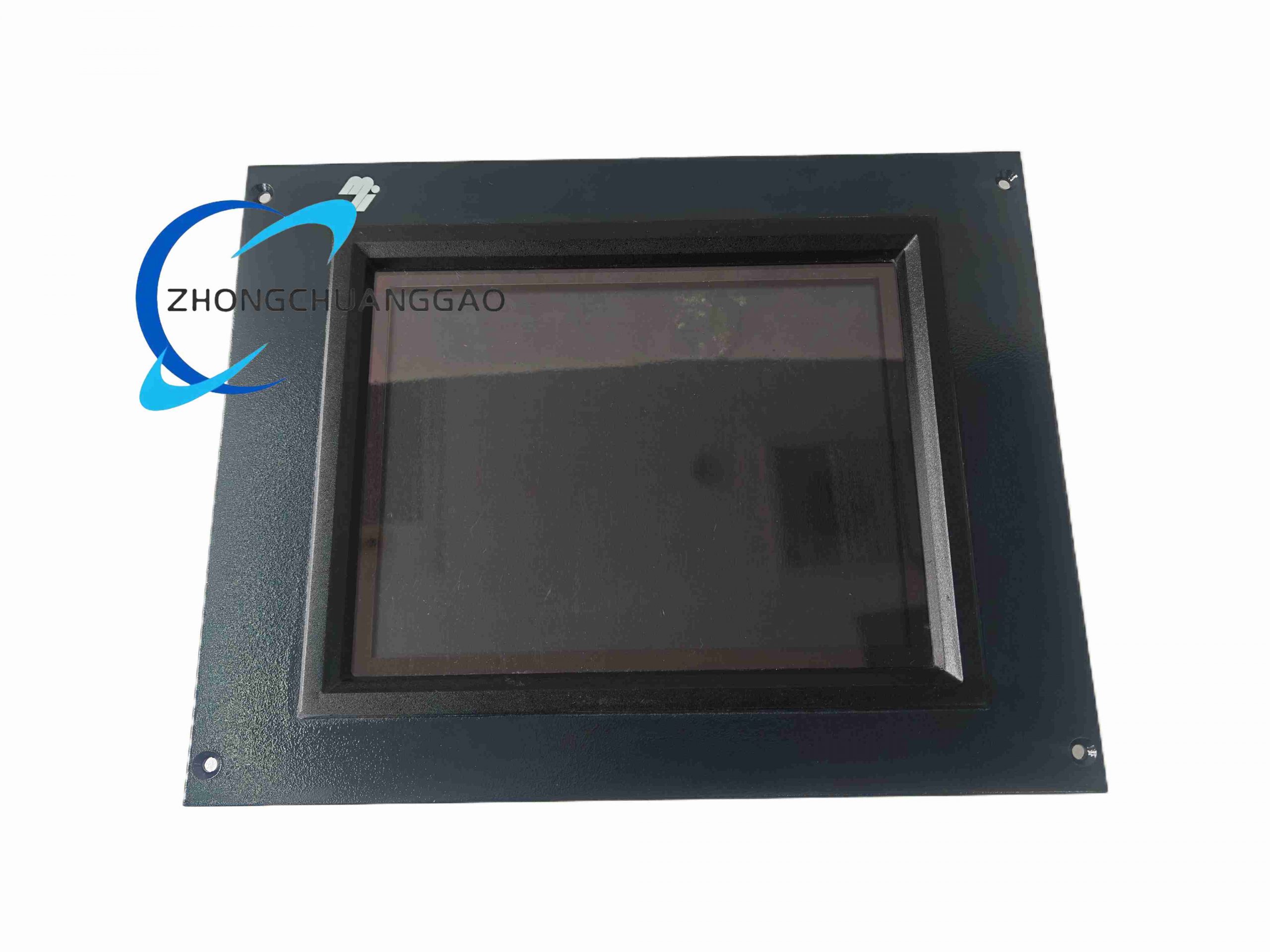
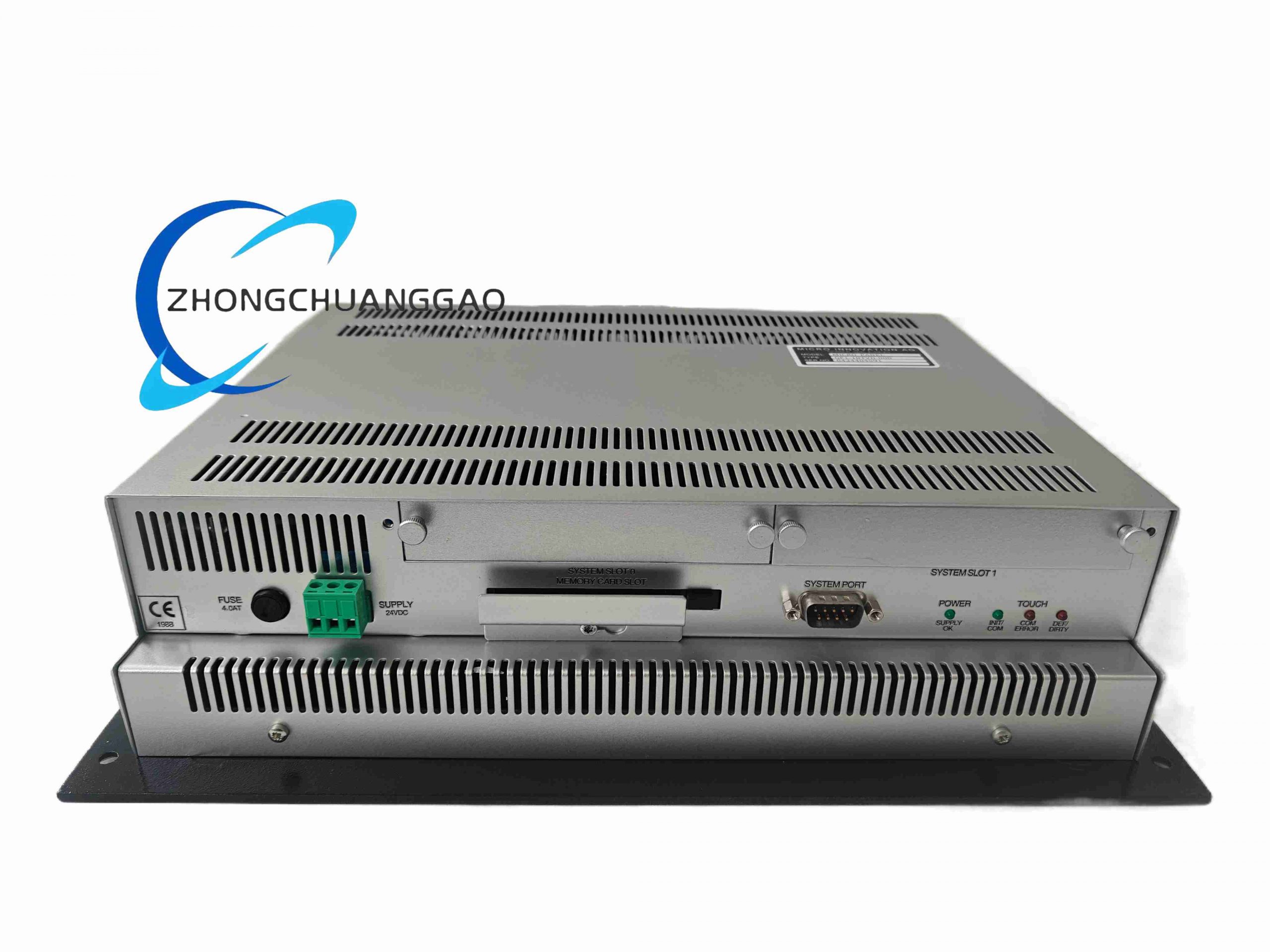
Material Composition: Plastic front bezel with polyester membrane or touch foil; LCD module with backlight; PCB with microcontroller, serial transceivers, and retentive memory; metal mounting brackets; terminal blocks for power and serial links; shielding for EMC compliance.
Structural Features: Rectangular panel-mount housing with cutout dimensions per the datasheet; front keypad/touch area with function keys; rear terminal compartment for power and serial wiring; DIN-rail clips or wall-mount holes; service access for the storage card and configuration port.
Working Principle: The terminal runs a user-created visualization project that reads and writes variables over the serial link to the connected controller. Screen objects display process values and accept operator commands, which the terminal translates into protocol frames (Modbus RTU/ASCII or native) sent to the controller. Parameters edited on-screen are stored in retentive memory and preserved across power cycles.
Installation Requirements: Cut the panel opening to the specified dimensions and fit the sealing gasket to achieve the rated front protection. Secure the unit with the provided clamps. Connect a regulated 10–30 VDC supply with correct polarity. Wire RS-485 with twisted-pair cable, observing termination and node addressing; keep communication cables separate from power cables. Set the correct baud rate, parity, node address, and driver type in the project before download.
Precautions: Back up the project file and parameter set before replacing or re-flashing the terminal. Verify communication settings when the panel fails to exchange data with the controller. Do not clean the screen with abrasive or solvent-based cleaners; use a soft cloth with mild detergent. Avoid pressing the display with sharp objects. Keep the rear compartment closed and dry. Observe the operating temperature limits and provide ventilation behind the panel.