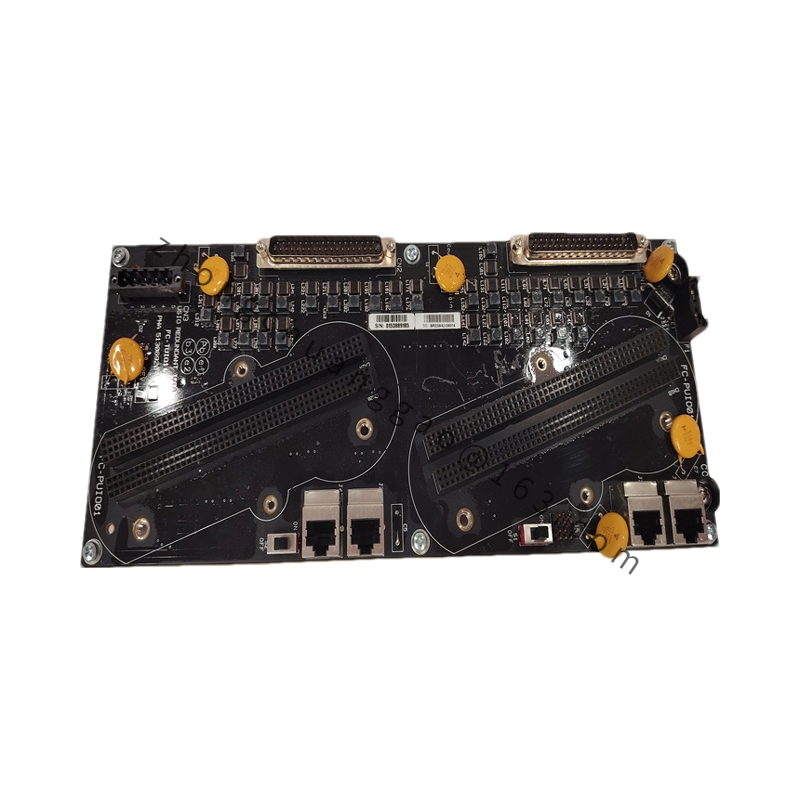
Product Name: MC-PSIM11 Serial Interface I/O Processor Module (also listed as MC-TAMT03 Analog Termination Module)
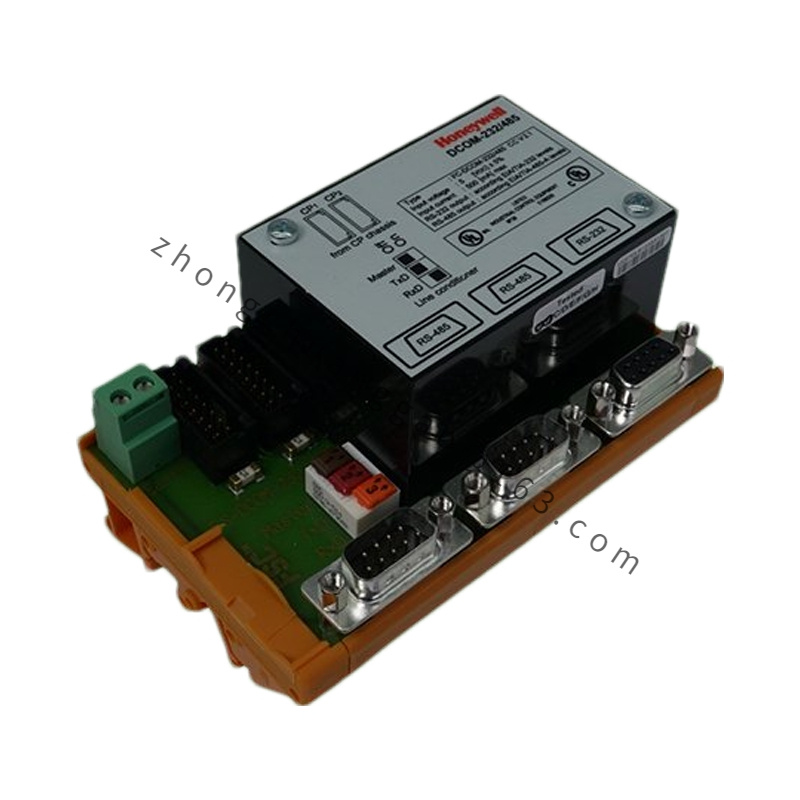
Introduction: The 51304362-350 is primarily documented as the MC-PSIM11 Serial Interface I/O Processor for Honeywell Experion PKS and TDC 3000. It acts as a communication bridge between the DCS and third-party serial devices such as PLCs, weigh scales, lab instruments, and analyzers. In an alternate configuration it is also listed as the MC-TAMT03 high-density analog multiplexer termination module.
Input Impedance: High impedance (low signal loading)
Accuracy: ±0.1% of full scale
Isolation: Channel-to-channel and channel-to-system
Features: Dual independent RS-232 ports allow simultaneous integration of two serial devices, reducing I/O slot count. Flexible protocol configuration (data bits, parity, stop bits, flow control) eliminates external converters. Built-in diagnostic LEDs. Compact 27 mm profile fits crowded marshalling panels.
Applications: Integrating PLCs, weigh scales, barcode scanners, laboratory analyzers, and printers into Experion PKS or TDC 3000 control networks. Also used for high-density analog input termination in process automation.
Working Principle (Serial Interface): The module presents two RS-232 ports to external devices. It manages data buffering, flow control, and protocol framing, then packages received serial data into the Honeywell control network format for the controller. Engineers configure baud rate, parity, and flow control via the Honeywell Control Builder; settings download from the controller on initialization.
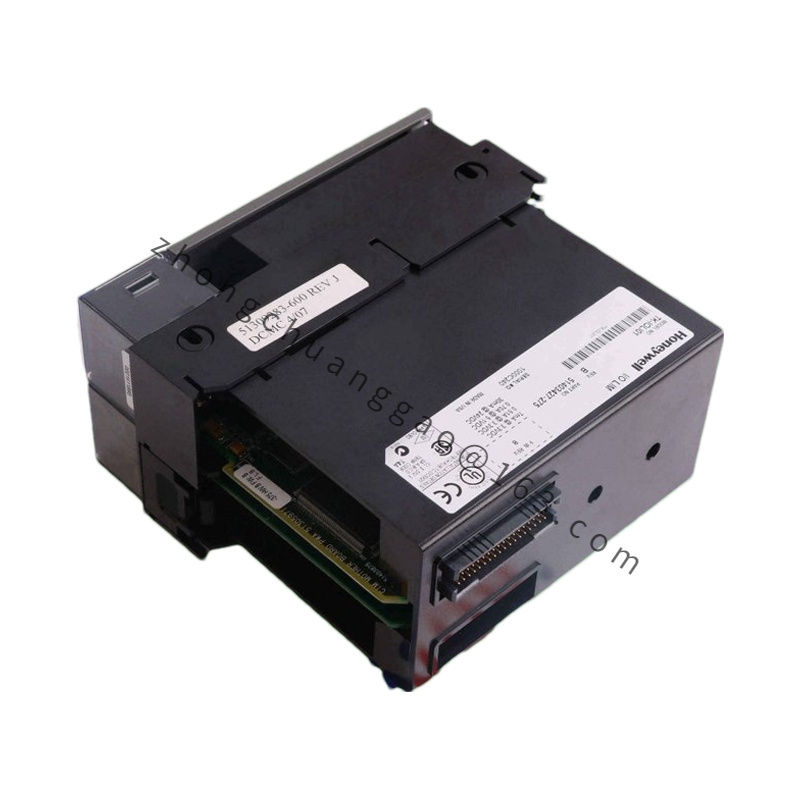
Installation Requirements: Slide the module into a standard Honeywell I/O chassis slot. Connect external serial devices to the two DB-style front connectors. For RS-485 or RS-422, use an external signal converter. Configure communication parameters in the engineering workstation.
Precautions: This model natively supports RS-232 only; RS-485/422 requires external conversion. Verify firmware compatibility before hot-swapping older MC-PSIM01 modules. For the analog termination configuration, match the FTA to the sensor type and ensure proper grounding to avoid ground loops.

.jpg)
.jpg)
.jpg)
.jpg)