Technical Specifications
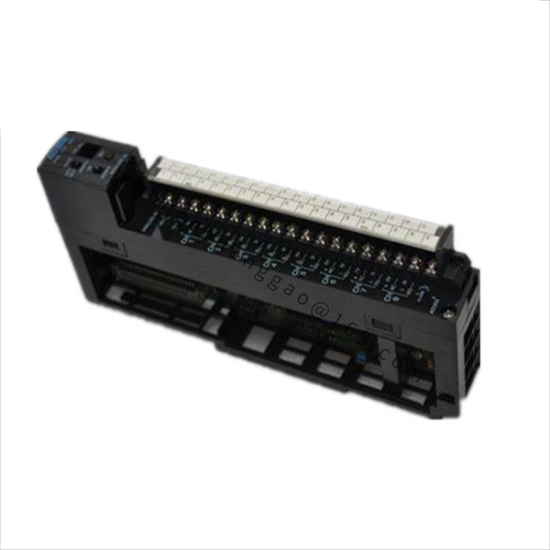
Standalone interface data: CAN 2.0B, 10 kbps to 1 Mbps, 9 to 30 V DC, 22.5 x 100 x 72 mm, -40 to 85 °C, screw terminals, galvanic isolation, configurable termination, reverse-polarity/overvoltage/short-circuit protection, LED status.
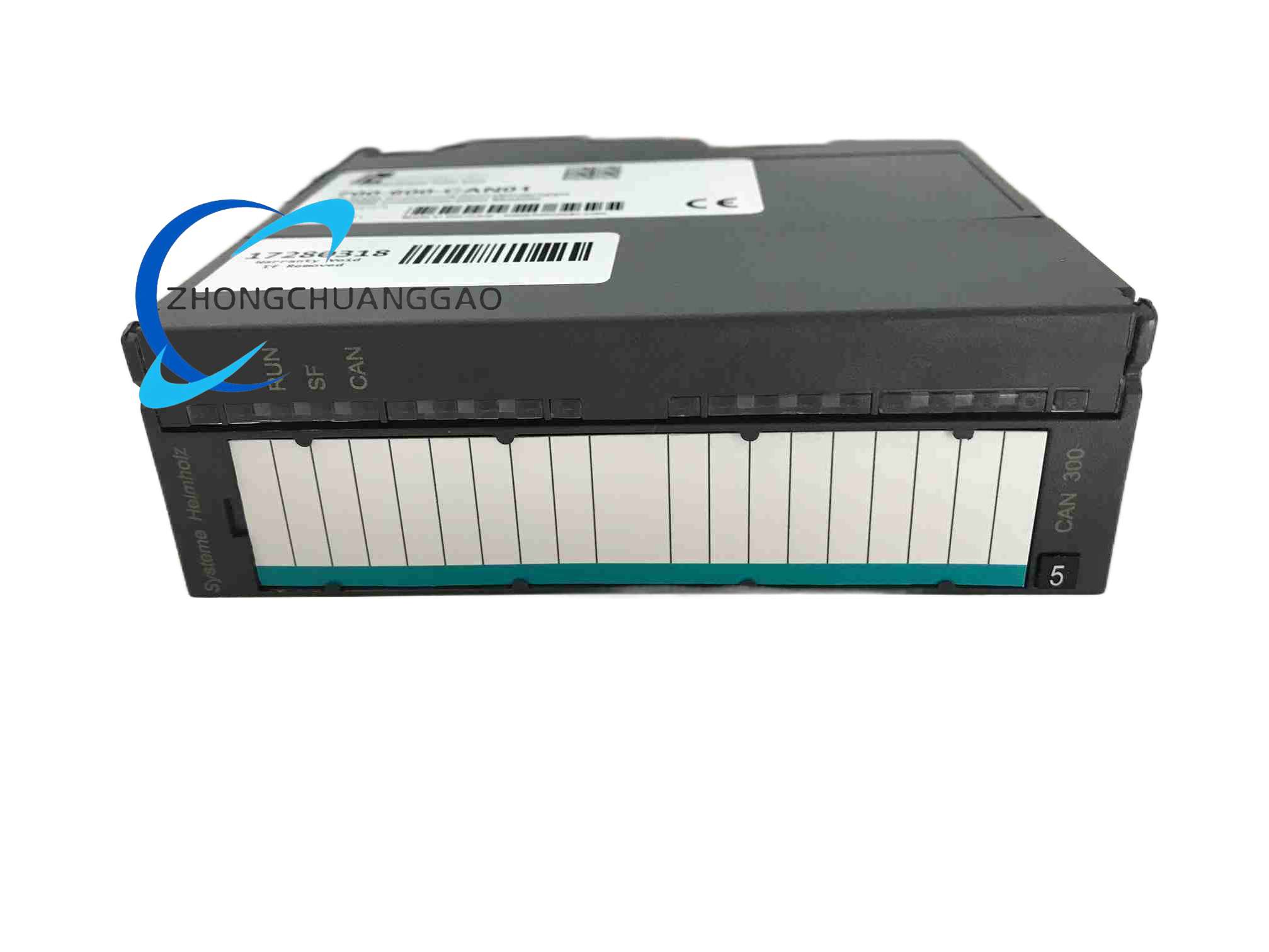
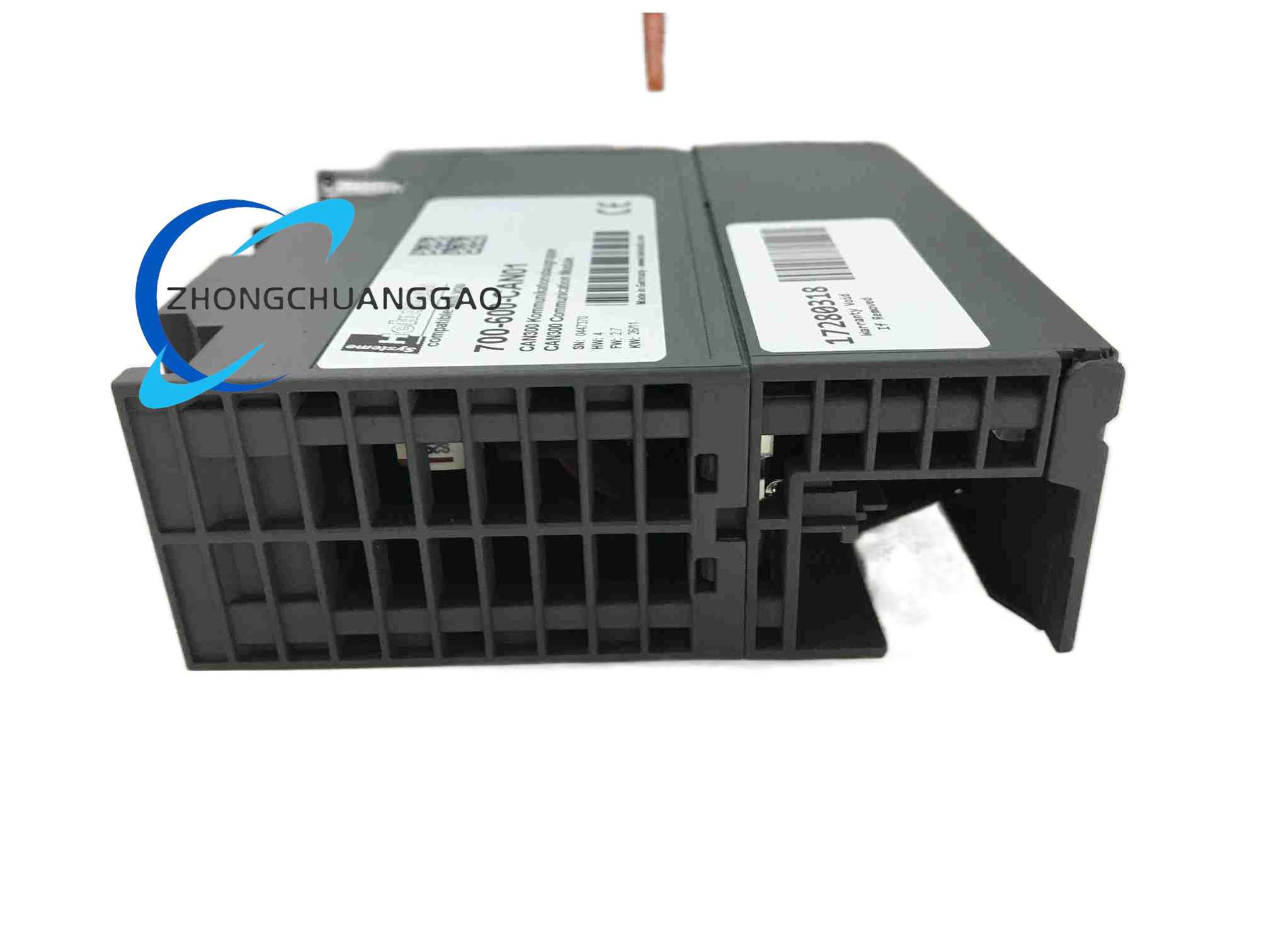
S7-300 backplane data: SUB-D 9 CAN connector, CAN 2.0A/B, CANopen master/slave, SAE J1939, DeviceNet slave, 10 kbps to 1 Mbps, 500 V DC isolation between CAN and backplane, max 160 mA from 5 V backplane, 0 to 60 °C, STEP 7 or TIA configuration.
Functional Features
Configurable baud rate and bus termination.
Galvanic isolation between communication, power and controller backplane where applicable.
LED diagnostics for power, run, error and CAN activity.
Protocol support includes raw CAN, CANopen, J1939 or DeviceNet according to firmware and configuration.
Direct S7 integration in rack variant avoids separate gateway hardware.
Application Scenarios
Machine control, process automation, mobile equipment, robotics, sensor/actuator CAN networks, S7-300 integration with CANopen instruments, J1939 engine or vehicle nodes and DeviceNet slaves.
Performance Parameters
One CAN channel in listed variants.
Up to 1 Mbps high-speed communication.
PDO/SDO mapping in CANopen configurations.
J1939 parameter groups in supported firmware.
Backplane module draws 5 V from S7 rack and isolates field CAN electrically.
Material And Structure
Industrial plastic/metal housing according to variant.
Screw terminals or SUB-D 9 field connector.
DIN-rail or S7-300 slot mounting according to model.
Status LEDs and DIP/software configuration elements.
Working Principle
The module converts between CAN field frames and controller data. In standalone use, it packages I/O or serial data onto the CAN bus. In S7-rack use, it exchanges CAN messages with the CPU through the backplane and maps PDO/SDO, J1939 or DeviceNet objects into PLC data blocks.
Installation Requirements
For standalone unit, mount on DIN rail or panel with ventilation.
For S7 version, insert into compatible S7-300/ET 200M slot and configure in STEP 7/TIA.
Use shielded CAN cable with correct termination at both ends where network topology requires.
Set node address, baud rate and termination before network startup.
Usage Precautions
Match firmware protocol to the field devices; not all units support every CAN profile simultaneously.
Terminate only bus ends to prevent reflection or communication errors.
Respect isolation ratings and do not share improper grounds across CAN/power.
Keep CAN cable separated from high-power drives to reduce EMI.