Technical Specifications
- Copper port: 1 x RJ45, 10/100Base-TX
- Fiber port: 1 x SC 100Base-FX in distributor documentation; some listings show ST
- Data rate: 10/100 Mbps auto or 100 Mbps fiber
- Standards: IEEE 802.3, 802.3u, 802.3x
- Multimode reach: up to 2 km
- Power: external 5 VDC/1A in one distributor dataset; AC 120/230 V adapter in another dataset
- LEDs: power, link/activity, full-duplex/collision
- Dimensions: 95 x 70 x 26 mm in 5VDC dataset; 3.9 x 3.7 x 1.1 in in AC dataset
- Weight: 0.14 kg in 5VDC dataset; 0.44 lb in AC dataset
- Operating temperature: 0–40°C in 5VDC dataset; 0–50°C in other converter documentation
- Humidity: 10–90% RH non-condensing
- Compliance: FCC Class A, CE Class A, VCCI Class A in listed dataset
Functional Features
Auto-negotiation on copper side, link and activity diagnostics, full/half-duplex support, compact external enclosure, fiber extension for campus or industrial wiring.
Application Scenarios
Factory floor copper-to-fiber conversion, building backbone extension, server/workstation fiber access, legacy Ethernet equipment modernization.
Material Composition
Metal or molded enclosure depending on version, RJ45 magnetics, optical transceiver, Ethernet PHY chip, external power adapter.
Structural Characteristics
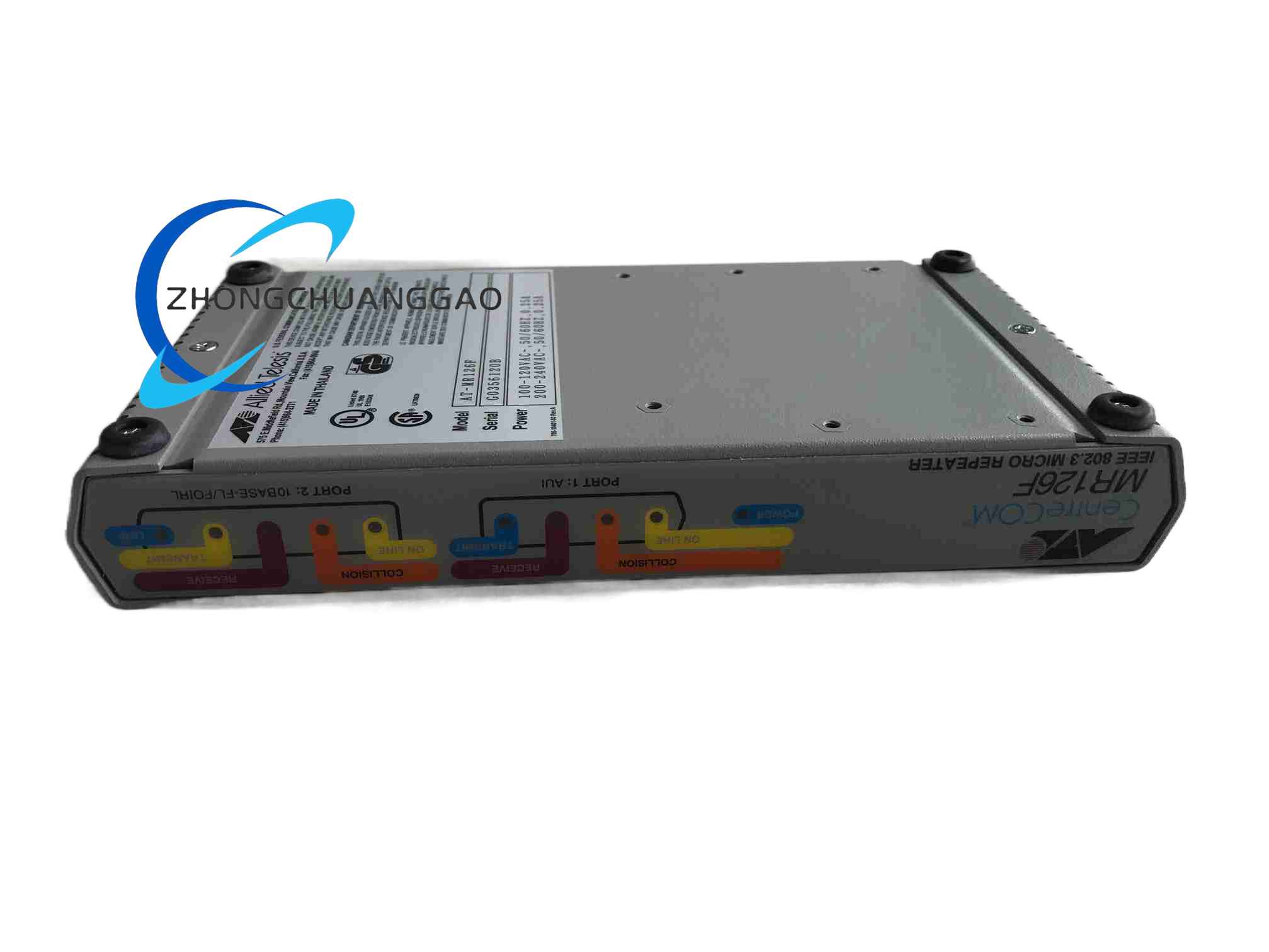
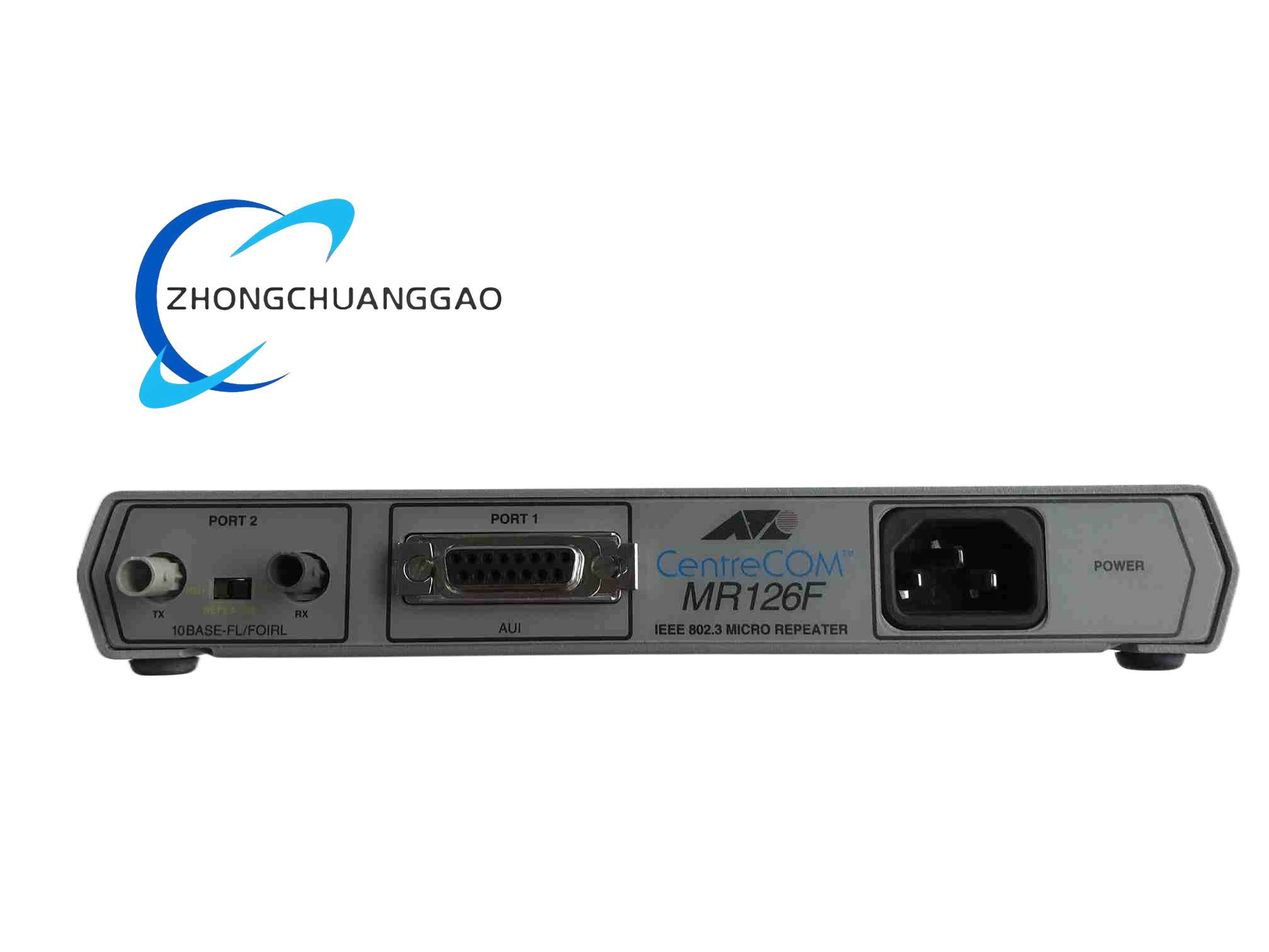
External desktop converter, front copper and fiber ports, LED panel, DC jack or AC adapter input.
Working Principle
The PHY receives electrical packets from RJ45, converts them into 100Base-FX optical signals through the fiber transceiver, and reverse-converts received light pulses into copper Ethernet frames, preserving MAC addressing and frame integrity.
Installation Requirements
Confirm power adapter type from nameplate. Connect RJ45 to 10/100 device with proper cable. Use SC or ST patch cord matching the installed optical port. Verify fiber type and distance against 2 km multimode rating. Place converter in ventilated, non-condensing location.
Usage Precautions
Because public datasets list 5VDC and AC-powered versions, do not substitute adapters without nameplate confirmation. Avoid bending fiber beyond minimum radius. Keep connectors clean. Do not mix single-mode and multimode components without approved adapters/transceivers.