Technical Specifications
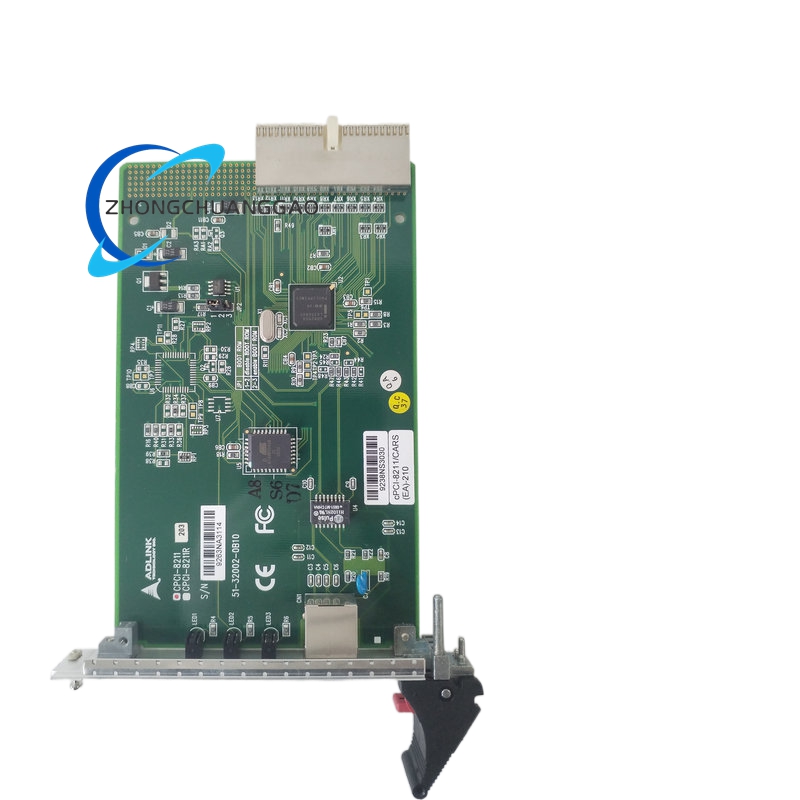
Bus interface 32-bit/33 MHz CompactPCI, PICMG 2.0 compliant. Controller Intel 82559 MAC/PHY. Ethernet ports one 10/100BASE-TX RJ-45 on front panel; cPCI-8211R adds rear I/O through J2 and a 50 mm rear transition module. Data rates 10 Mbps and 100 Mbps with auto-negotiation. Duplex full-duplex and half-duplex support. Boot support PXE preboot execution through 82559 option ROM. Indicators link, activity and speed LEDs on front panel. Power consumption approximately 5 V at 100 mA from backplane. Operating temperature 0°C to 60°C typical, storage -20°C to 80°C, humidity 10% to 90% non-condensing.
Functional Features
IEEE 802.3 and 802.3u compliance. Driver support for Linux, Windows, QNX, DOS and other PCI Ethernet stacks using 82559 software. PXI mechanical compatibility for mixed CompactPCI/PXI test systems. Rear-I/O version isolates front-panel cabling and supports backplane wiring through J2. Low-power design suitable for multi-card CompactPCI shelves.
Materials And Structure
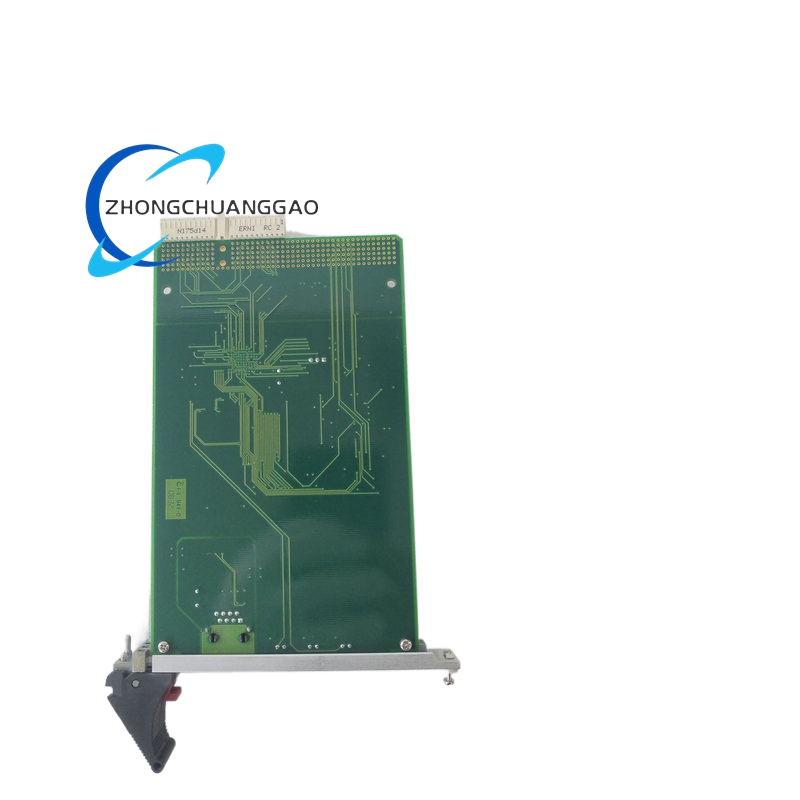
3U Eurocard 100 mm x 160 mm, single-slot width. FR-4 multilayer PCB. RJ-45 front connector with LED lens. Gold or tin CompactPCI J1/J2 contacts by configuration. Aluminum or steel front panel with ejector provisions depending on chassis style.
Working Principle
The CompactPCI backplane supplies 5 V and PCI clock/control signals. The 82559 controller performs MAC addressing, auto-negotiation, packet buffering and PHY signaling. Incoming Ethernet frames are transferred over the 32-bit/33 MHz PCI bus to the host CPU. Outbound packets are formatted by the driver, passed to the controller and transmitted on the twisted-pair link. PXE firmware allows the host system to boot from network storage without local disk.
Installation Requirements Install in a 3U CompactPCI slot with proper 5 V PCI keying. For rear I/O, install cPCI-8211R with matching J2 RTM and backplane pin assignment. Configure auto-negotiation, forced 10/100 or PXE enable through documented jumpers, BIOS or driver settings. Maintain chassis ventilation because multiple Ethernet cards increase backplane I/O loading.
Usage Precautions
Use ESD protection when inserting or removing the card. Do not mix 82559 driver sets not validated for the target operating system. Verify RJ-45 cabling category and segment length for 100 Mbps full-duplex service. Inspect LED status after installation; no link indicates power, PHY, backplane or cable fault. Replace with the same cPCI-8211 or cPCI-8211R variant when rear I/O is required.