Technical Specifications
5-inch TFT touch screen, resolution 800 x 480 pixels, wired resistive touch supporting finger or stylus input, four physical front buttons for setup, start, stop and emergency, 24 V DC power with ±10% tolerance, maximum current approximately 300 mA, dimensions 142 mm x 102 mm x 35 mm, front protection IP65, rear protection IP20, operating temperature 0 to 50°C, CE, RoHS and IEC 61131-2 compliance.
Functional Features
Modbus RTU over RS-485, Ethernet/IP communication, status LEDs for run and communication fault, local button control independent of touch input, panel configuration through Suetron or compatible HMI software, real-time tag monitoring and alarm display.
Application Scenarios
Packaging machines, food-processing lines, mechanical manufacturing cells, building and energy subsystems, conveyor monitoring, filling and labeling lines requiring a small operator panel.
Performance Parameters
800 x 480 pixel graphics, 24 V DC nominal supply, 300 mA maximum load, RS-485 Modbus up to standard industrial baud rates, Ethernet/IP cyclic data exchange, response suitable for operator-level HMI refresh rather than high-speed motion control.
Material Composition
Flame-retardant plastic front housing, tempered graphical TFT layer, polyester or polycarbonate membrane overlay, stainless or plated terminal contacts, internal FR4 control board with industrial components.
Structural Characteristics
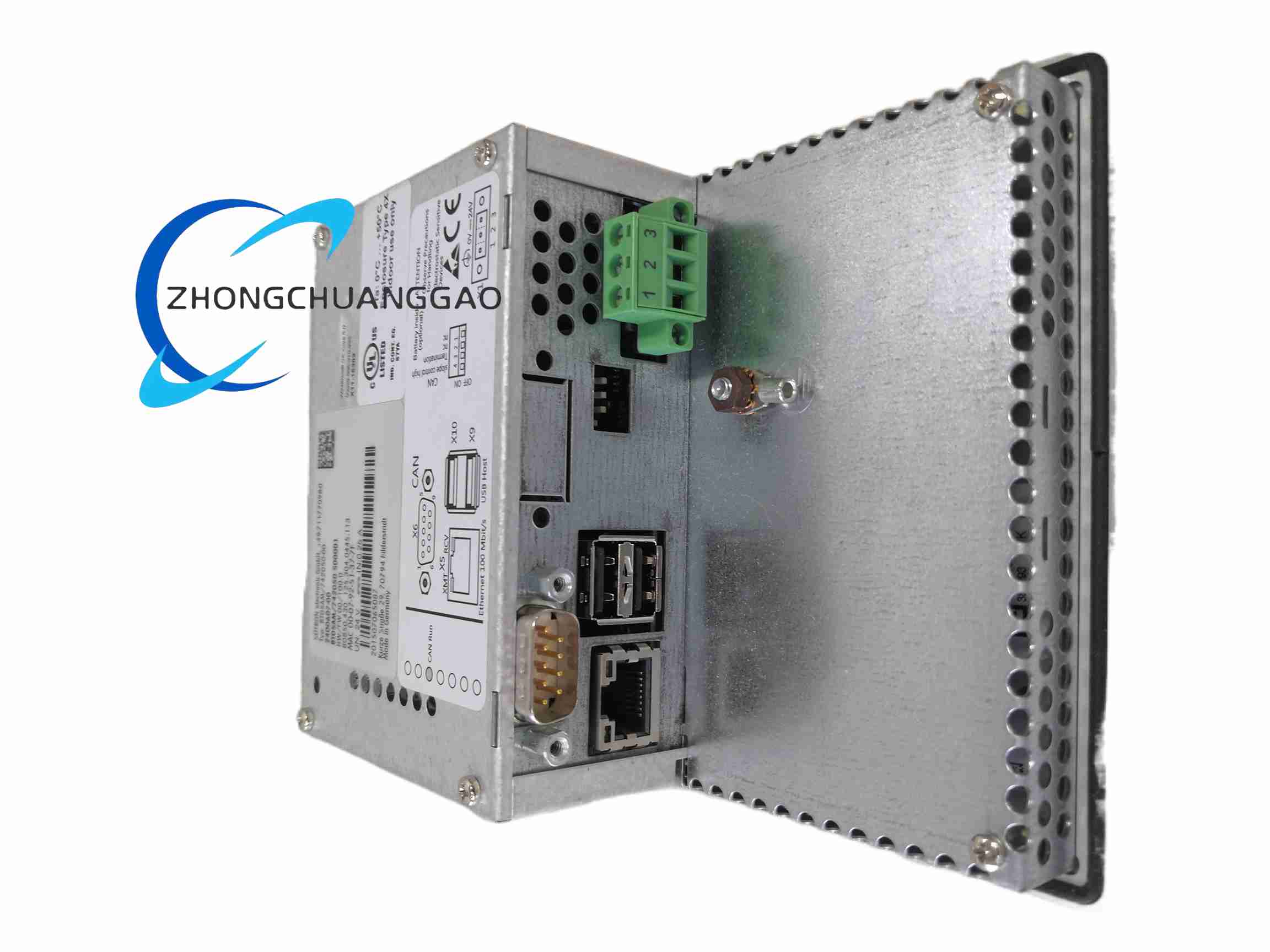
Flat front touch surface, four-button subsection below or beside the display, rear connector cavity for RS-485 and Ethernet, 35 mm deep compact enclosure, DIN or panel mounting according to cabinet cutout, sealed front bezel against dust and spray.
Working Principle
The terminal receives register and status data from the PLC over Modbus RTU or Ethernet/IP. The HMI software maps variables to screen objects, trends and alarms. Operator touch or button inputs are converted into communication commands sent back to the controller, which executes start, stop, parameter change or emergency interruption.
Installation Requirements
Prepare a panel cutout compatible with 142 mm x 102 mm outer dimensions. Supply isolated 24 V DC with proper fusing. Use shielded RS-485 cable with termination where required. Use CAT5e or better Ethernet cable for Ethernet/IP. Ground the panel and enclosure to the control-system earth bus.
Usage Precautions
Do not operate above 50°C or in condensing humidity. Clean the screen with a soft non-abrasive cloth; avoid solvent-based cleaners. Verify communication protocol and PLC address mapping before commissioning. Protect configuration files with password or project backup. Inspect button and touch calibration during scheduled maintenance.