
ProSoft 5BC42AB2131C
Product Overview
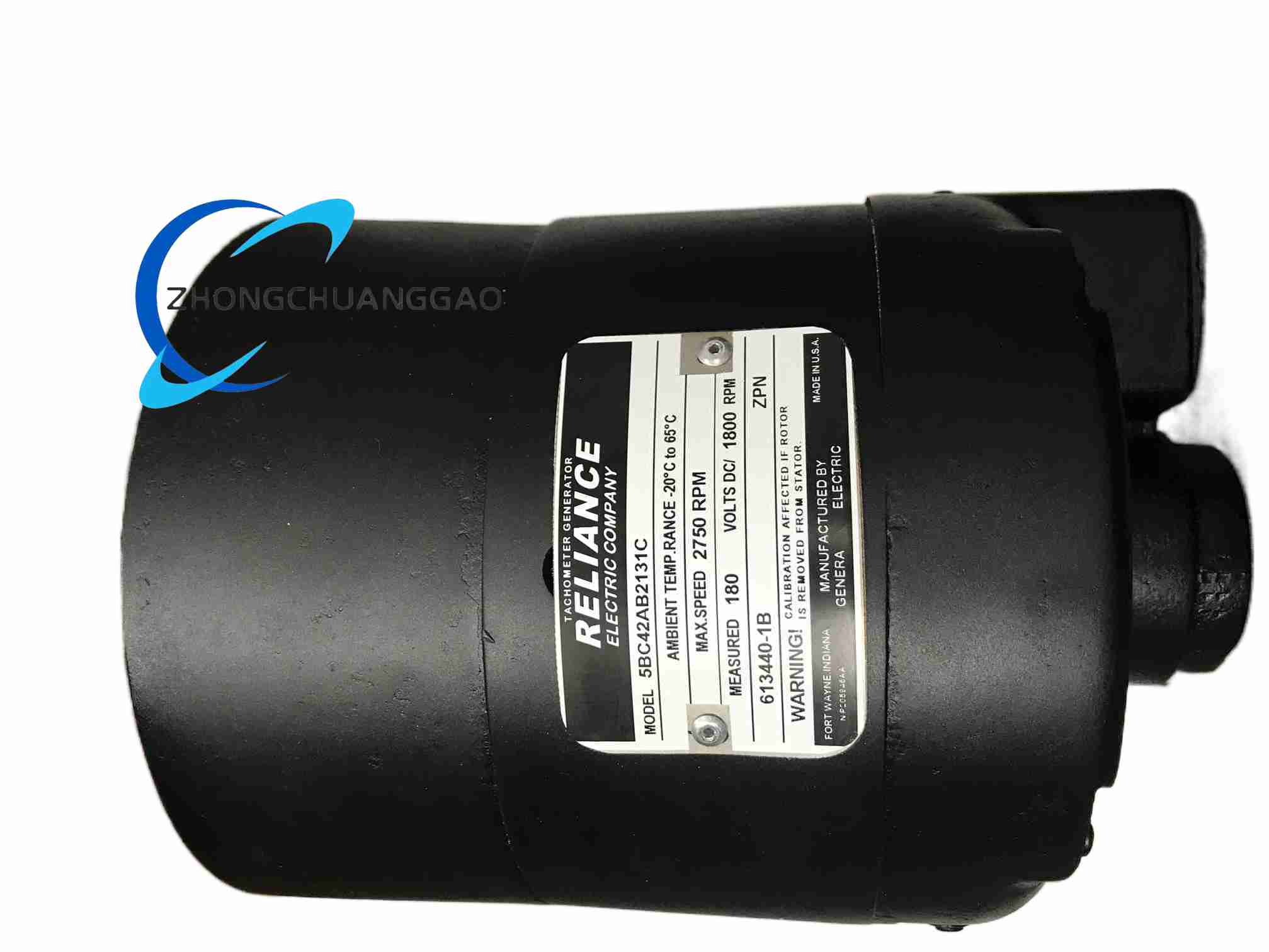
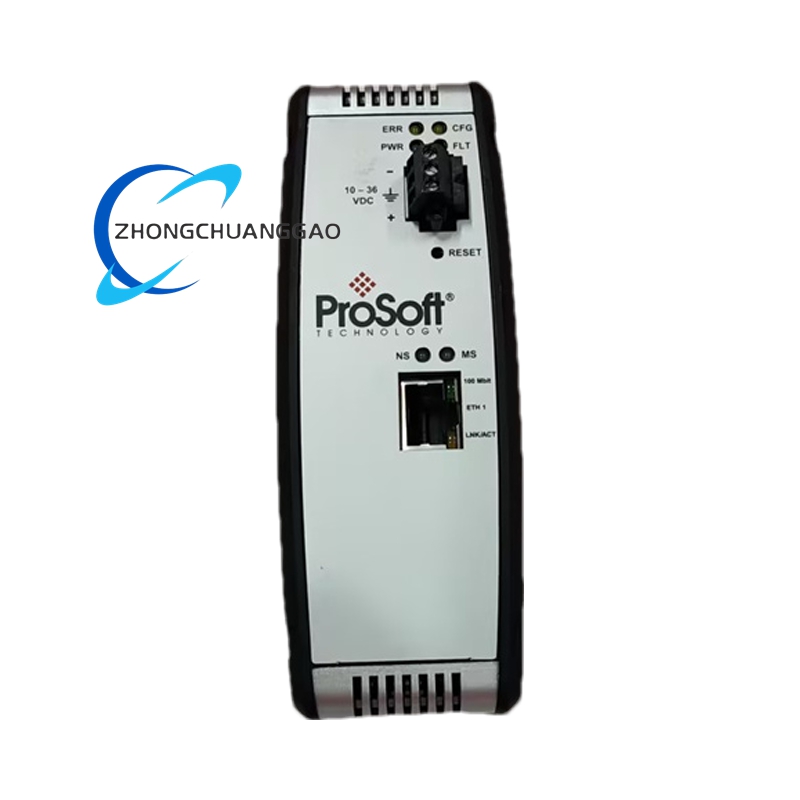
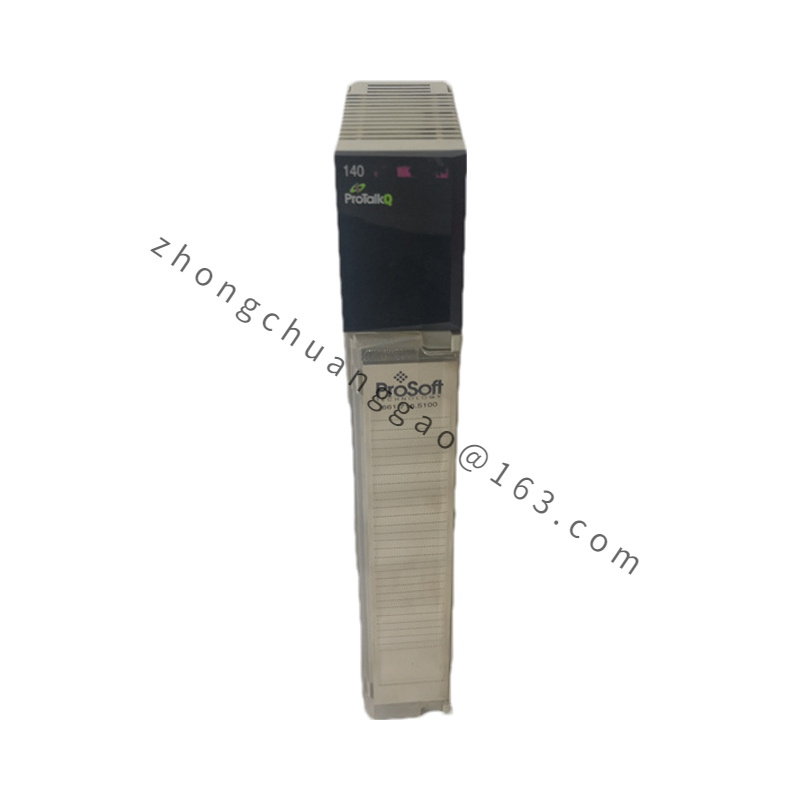
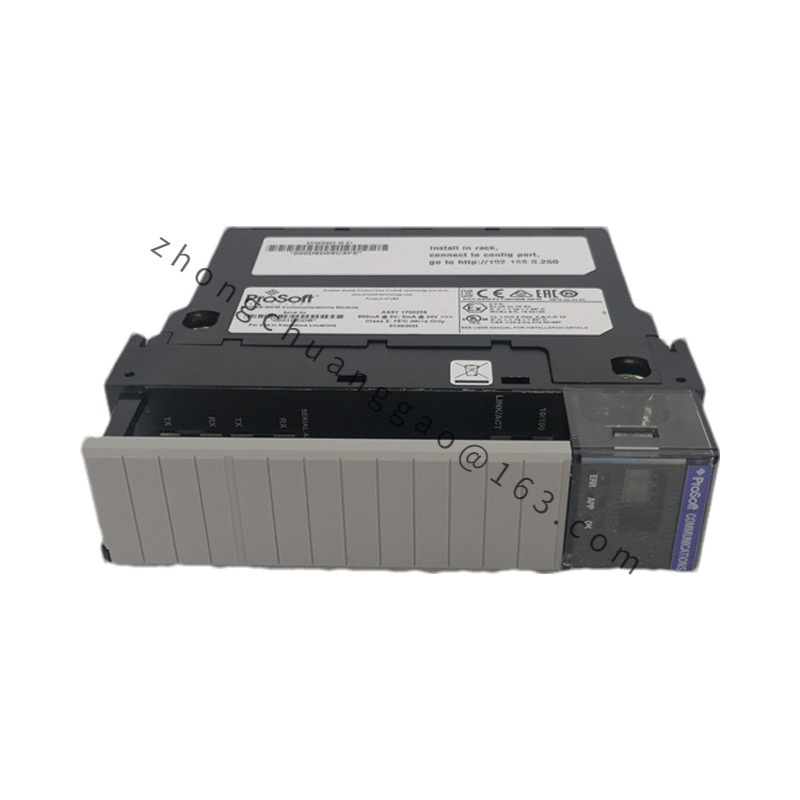
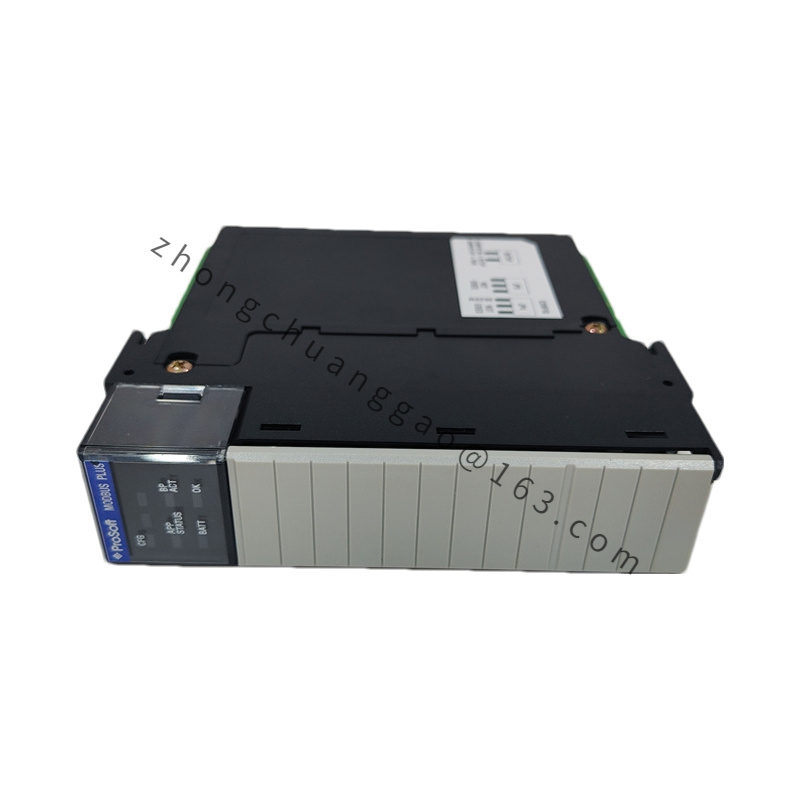
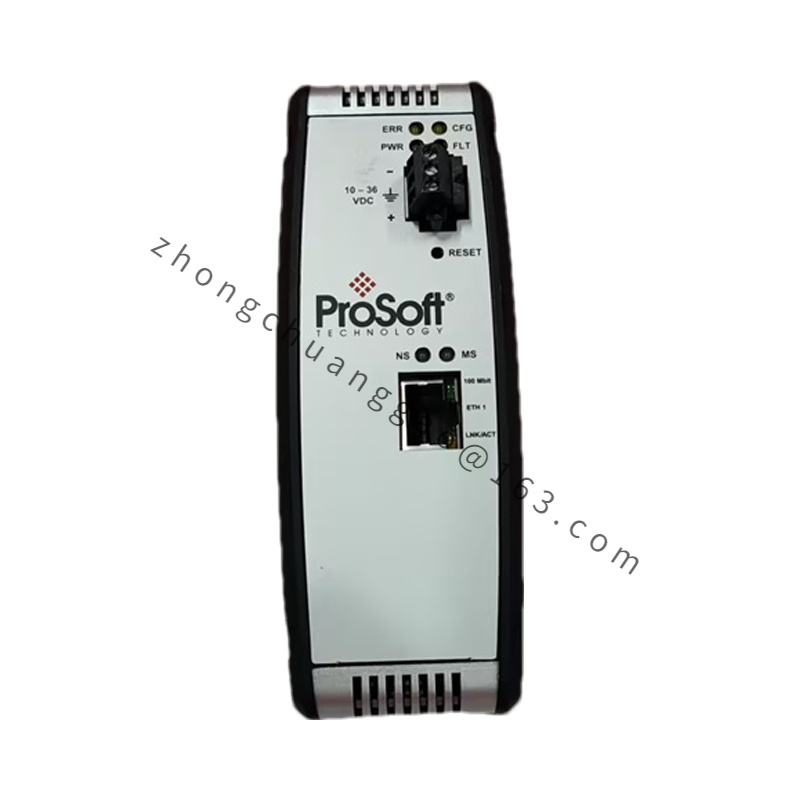
The 5BC42AB2131C is listed in industrial spare-parts sources as a ProSoft serial communication module for Rockwell Automation Allen-Bradley ControlLogix platforms. The module provides serial field-device connectivity inside a ControlLogix chassis and supports configuration through ProSoft Configuration Builder. Because the same bare number also appears in third-party listings for Reliance tachometer and DC-drive spares, confirm the chassis type, firmware label and original system documentation before replacement.
Detailed content
Technical Specifications
Platform: Allen-Bradley ControlLogix backplane according to listed ControlLogix variants
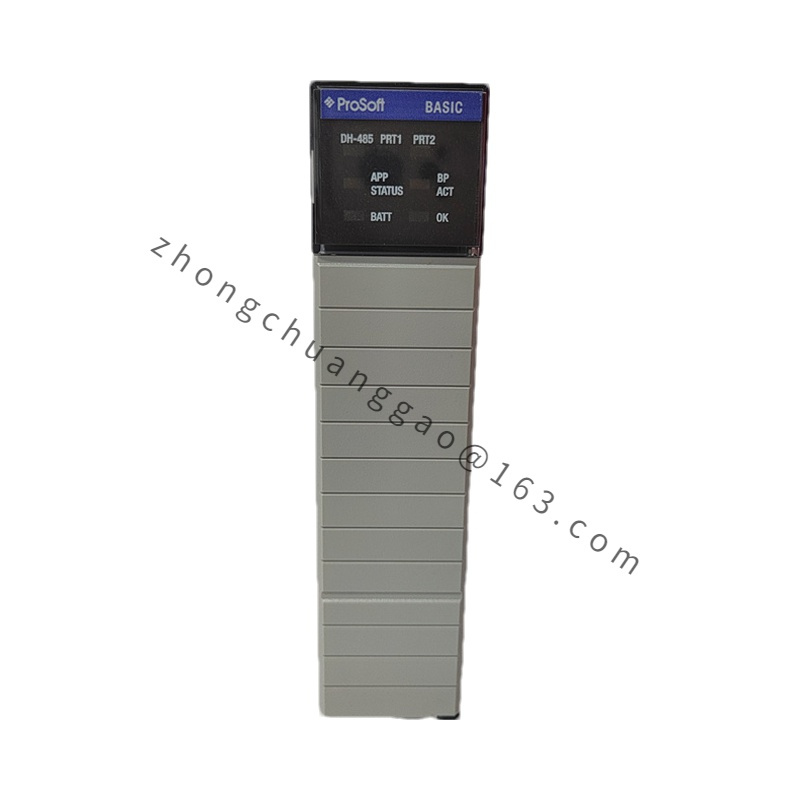
Communication type: high-speed serial, RS-232, RS-422 and RS-485 according to port build
Protocol support: Modbus RTU, Modbus ASCII and associated serial master or slave modes according to configuration
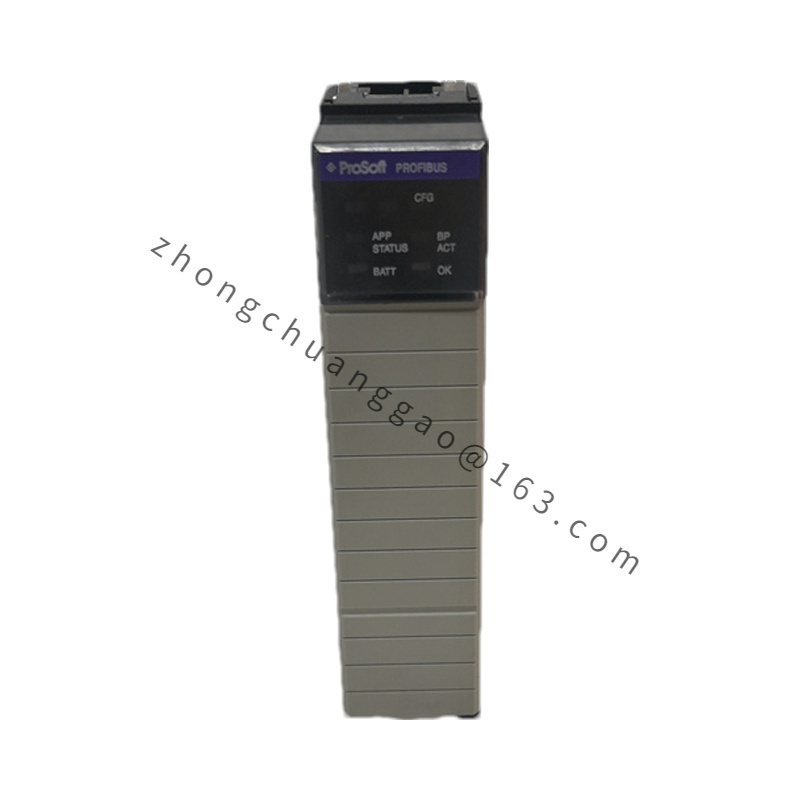
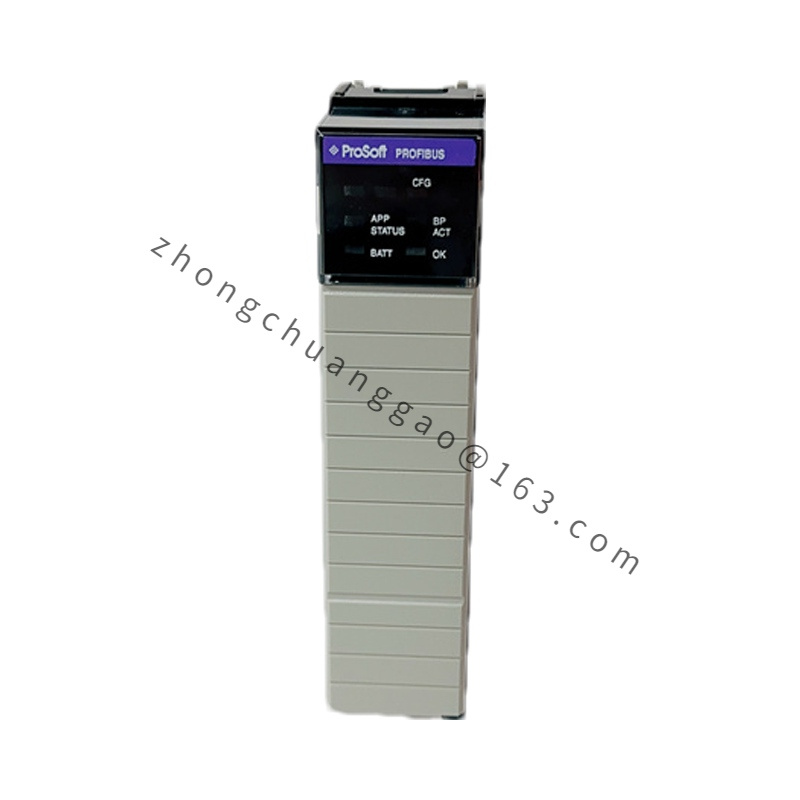
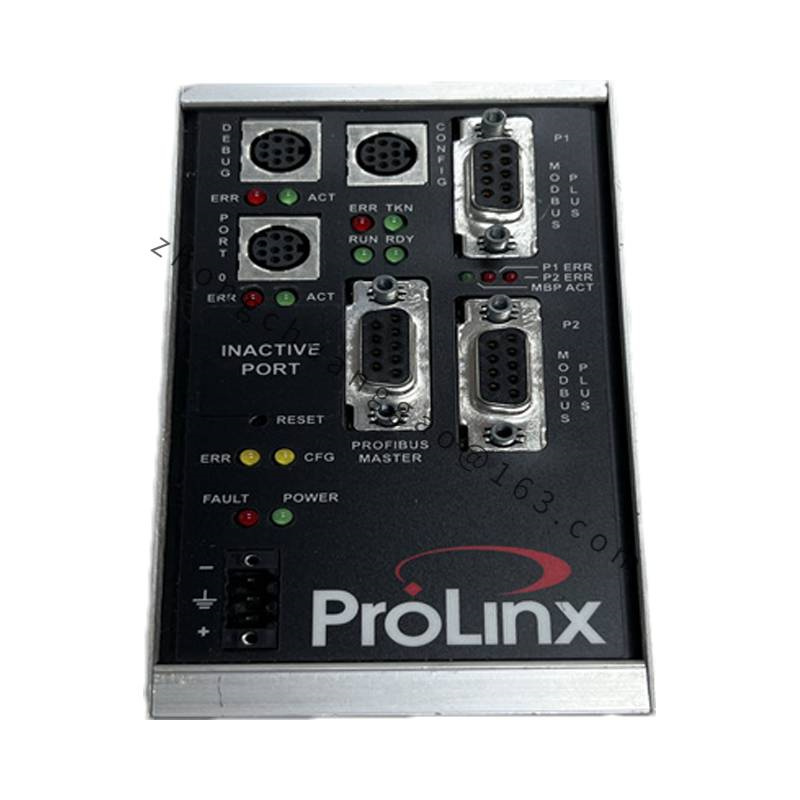
Optional fieldbus support: Profibus DP configurations are listed for certain serial-gateway builds; verify the ordered firmware before commissioning
Backplane current: approximately 800 mA at 5.1 VDC and 3 mA at 24 VDC for listed samples
Firmware sample: 2.01.002 for certain configured units
Mechanical size: 5.38 x 1.99 x 4.38 inches, equal to 13.67 x 5.05 x 11.13 cm according to listed module drawings
Protection: IP20 when mounted in cabinet
Coating: optional conformal coating according to project specification
Functional Features
Dual serial ports configurable for different baud rates, parity and protocol modes
Master or slave operation for Modbus and generic serial devices
Add-on profiles and add-on instructions for ControlLogix integration
LED status indicators for power, activity, error and port health
PC-based configuration through ProSoft Configuration Builder
Application Scenarios
Connection of variable-frequency drives, meters and scanners to ControlLogix controllers
Modbus RTU or ASCII integration of legacy serial instruments
Process skids with temperature, pressure and flow transmitters on RS-485
Energy metering and data collection through serial gateways
Performance Parameters
Serial baud rate, distance and node count depend on RS-232, RS-422 or RS-485 selection
Modbus data tables are mapped into ControlLogix tags through the ProSoft instruction set
Backplane loading must be included in the ControlLogix power budget together with all sibling modules
Material Composition
Printed circuit board with serial transceivers and protocol processor
ControlLogix-compatible backplane connector
Aluminum or molded front faceplate with status LEDs
Optional moisture-resistant conformal coating
Structural Characteristics
Standard ControlLogix single-width or defined module footprint according to the exact variant
Removable serial connectors or fixed terminal interface according to build
Front-panel LED cluster for field diagnostics
Chassis-grounded enclosure for control-cabinet installation
Working Principle
The ControlLogix backplane supplies power and data access to the module. The internal serial processor converts backplane data objects into Modbus or raw serial frames, transmits them through the configured RS-232, RS-422 or RS-485 port, receives device responses, and returns parsed data to controller tags. The firmware stores protocol maps, polling tables and diagnostic counters.
Installation Requirements
Power down the ControlLogix chassis before inserting the module.
Seat the module in a compatible ControlLogix slot and verify backplane power capacity.
Connect serial cables with correct shield grounding for RS-422 or RS-485.
Load the matching firmware and ProSoft add-on profile before online operation.
Terminate RS-485 circuits with the impedance specified by the system design.
Usage Notes
Confirm the exact 5BC42AB2131C firmware because Modbus-only and Profibus-enabled builds are not identical.
Do not mix RS-232 point-to-point and RS-485 multidrop wiring on the same port.
Check LED codes after each configuration download.
If the part arrives from a Reliance or DC-drive spare channel instead of a ControlLogix channel, stop and verify brand, nameplate and original equipment before installation.
.jpg)