Digital guide

You are here:

Honeywell 51305896-200

Overview:
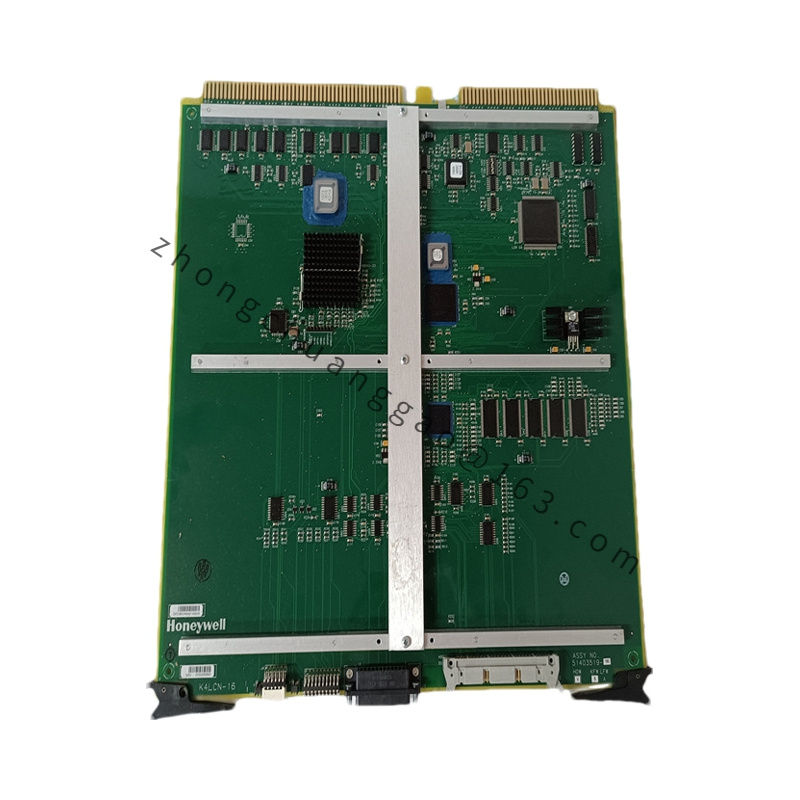
The Honeywell 51305896-200 is a specialized network interface modem module designed for Honeywell’s TDC 3000 and Experion PKS distributed control systems. It serves as a critical communication interface for remote connectivity and system maintenance, providing dial-up capability for remote access to control systems, enabling technical support, troubleshooting, and system maintenance without requiring physical presence at the facility.
Detailed content

Technical Specifications:
  • Product Type: Network Interface Modem Module
  • Interface Type: RS-232 / V.24 serial interface; rear panel RJ11 telephone line jack
  • Modem Standards: V.90 compatible (V.34, V.32bis, V.32, V.22bis)
  • Data Transfer Rates: Up to 56 Kbps download, 33.6 Kbps upload
  • Modulation: V.34, V.32bis, V.32, V.22bis
  • Compression Protocol: V.42bis, MNP 5
  • Error Correction: V.42, MNP 2-4
  • Operating Voltage: 5 VDC ±5% (from NIM backplane)
  • Power Consumption: 2.5 W typical, 3.0 W maximum
  • Operating Temperature: 0°C to 55°C (some sources list up to 60°C)
  • Storage Temperature: -40°C to 85°C
  • Relative Humidity: 5% to 95% non-condensing
  • Physical Dimensions: 200 mm x 25 mm x 150 mm (W x H x D)
  • Certifications: cULus, CE
Features:
  • Auto-negotiation automatically selects the highest possible connection speed based on line conditions.
  • Callback security functionality integrated with system authentication mechanisms prevents unauthorized access.
  • Diagnostic capabilities include line quality monitoring and connection logging.
  • Seamless integration with Honeywell NIM architecture.
  • Supports automatic answer and remote wake-on-ring.
Applications:
  • Remote dial-up access to TDC 3000 and Experion PKS control systems.
  • Off-site system diagnostics, configuration updates, and troubleshooting.
  • Emergency support communication link when on-site expertise is unavailable.
  • Remote engineering access for experts to perform diagnostics from off-site locations.
Installation & Notes:
  • Install into the designated slot of the Experion NIM chassis; integrates with the system via the NIM backplane.
  • Connect the rear-panel RJ11 to a PSTN or leased-line telephone network.
  • Configure callback security to ensure only authorized engineers can access the system.
  • Maintain ambient temperature within 0°C to 55°C (or 60°C per variant) and humidity below 95% non-condensing.

You may also like