
Digital guide

You are here:

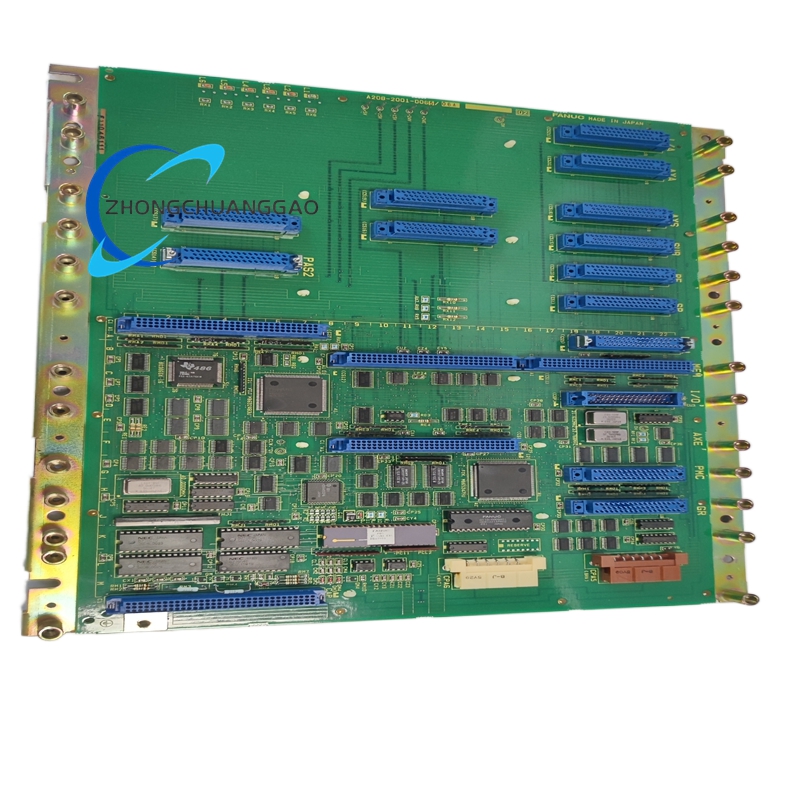
FANUC A20B-2001-006506A

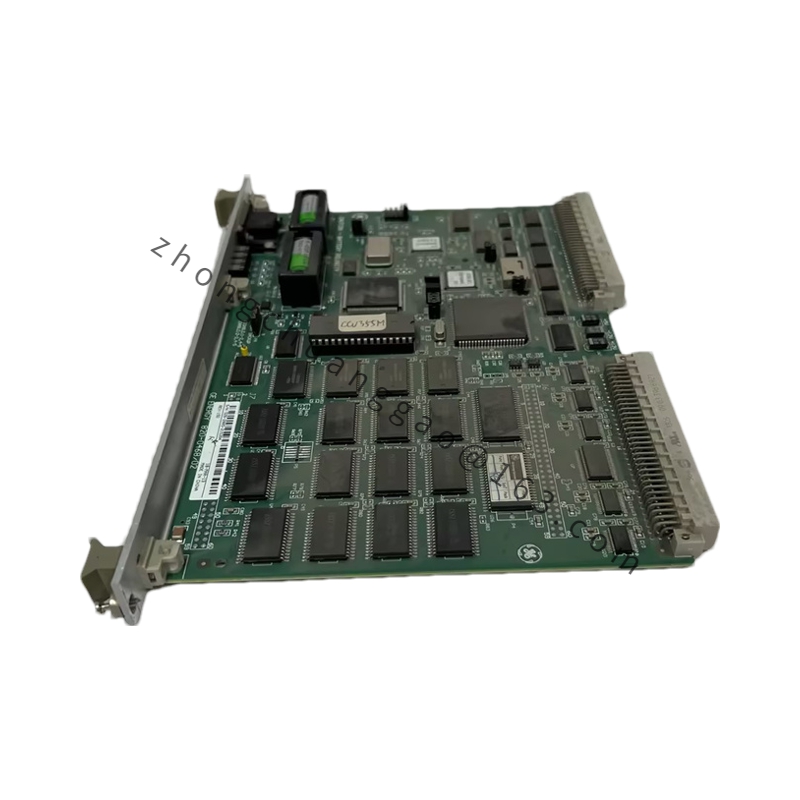
Product Name:​ FANUC Series 0-C Master PCB / Main CPU Motherboard
Product Introduction:​ The FANUC A20B-2001-006506A is the core processing motherboard for FANUC Series 0-C and 0-D CNC control systems. It hosts the central processing architecture, memory interfaces, and axis control loops, serving as the central intelligence hub for vintage machine tool controls.

Detailed content

Technical Specifications:
Parameter
Value
Manufacturer
FANUC
Part Number
A20B-2001-0065 (including /06A revision variant)
Compatible Series
FANUC Series 0-C, 0-D (0-MC, 0-TC, 0-MD, etc.)
Board Type
Master PCB / Main CPU Motherboard
Processor
32-Bit High-Speed CPU (Intel 486DX2)
Mounting Style
Full-Size Rack / Chassis Backplane Mount
Cooling Method
Natural Convection / Enclosure Airflow
Operating Temperature
0°C to 45°C
Axis Support
Up to 8 axes (2/3/4/6/8 configurations)
Memory Support
PMC-L or independent PMC-M PCB; 40/40, 80/56, or 104/72 I/O
Functional Features:
  • 32-bit split architecture distributing processing across memory, axes, I/O via backplane
  • Supports serial servo interface for AC spindle and Alpha spindle drives
  • Executes NC programs, ladder logic (PMC), and servo control algorithms
  • Backplane-based communication with graphics, I/O, and axis control boards
Structural Characteristics:
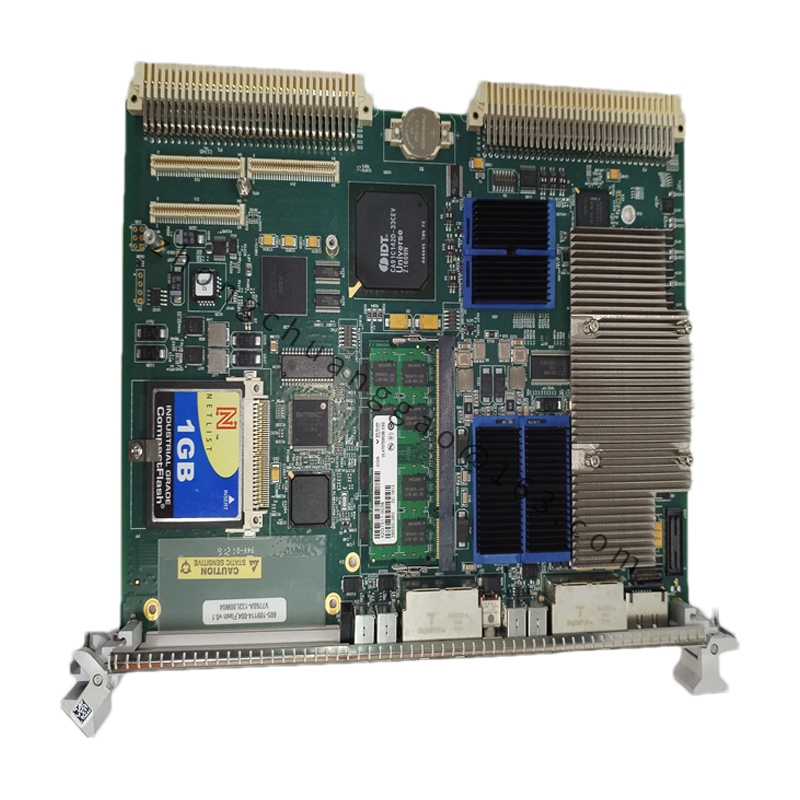
  • High-density multi-layer surface-mount PCB construction
  • Gold-plated edge connector for backplane interface
  • Dedicated slots for sub-CPU, memory, and graphics cards
Installation Requirements:
  • Install in clean, dry CNC cabinet with adequate ventilation
  • Maintain ambient temperature 0–55°C
  • Keep fans and filters in good operating condition
  • Seat board evenly in backplane; secure with screws and brackets
Usage Notes:
  • Always wear grounded ESD wrist strap; handle PCB by edges only
  • Back up CNC parameters, PMC, and program data before removal
  • Verify SRAM backup battery voltage before and after replacement
  • Never force board into rack slots; align carefully to avoid pin damage
  • Confirm exact revision (/06A) compatibility with existing system

You may also like