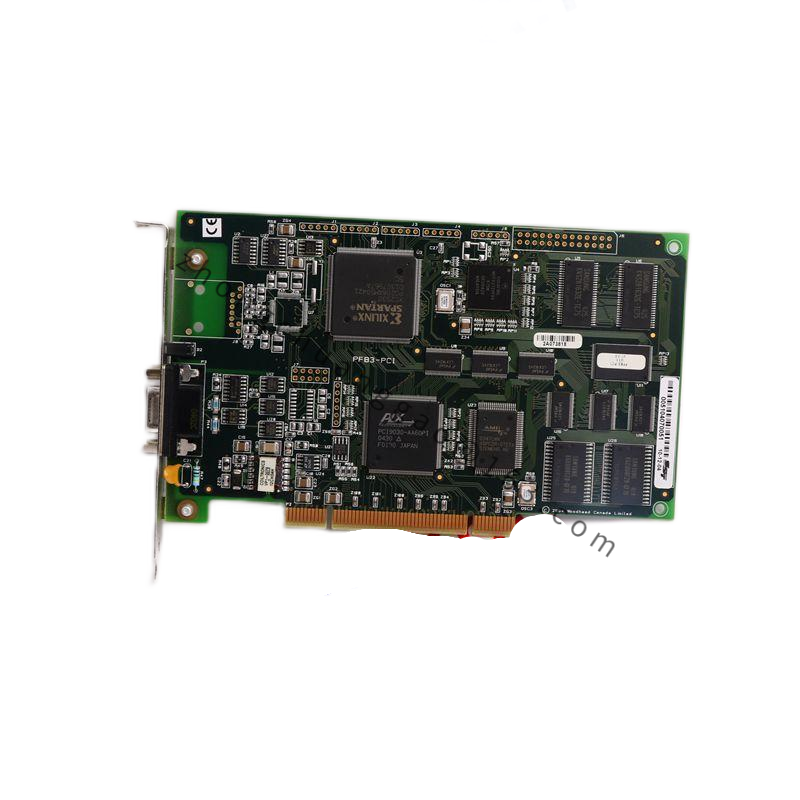
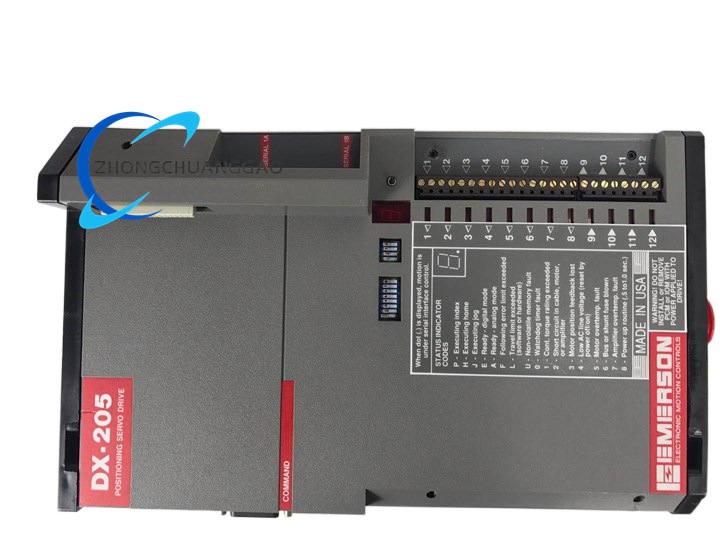
Technical Specifications
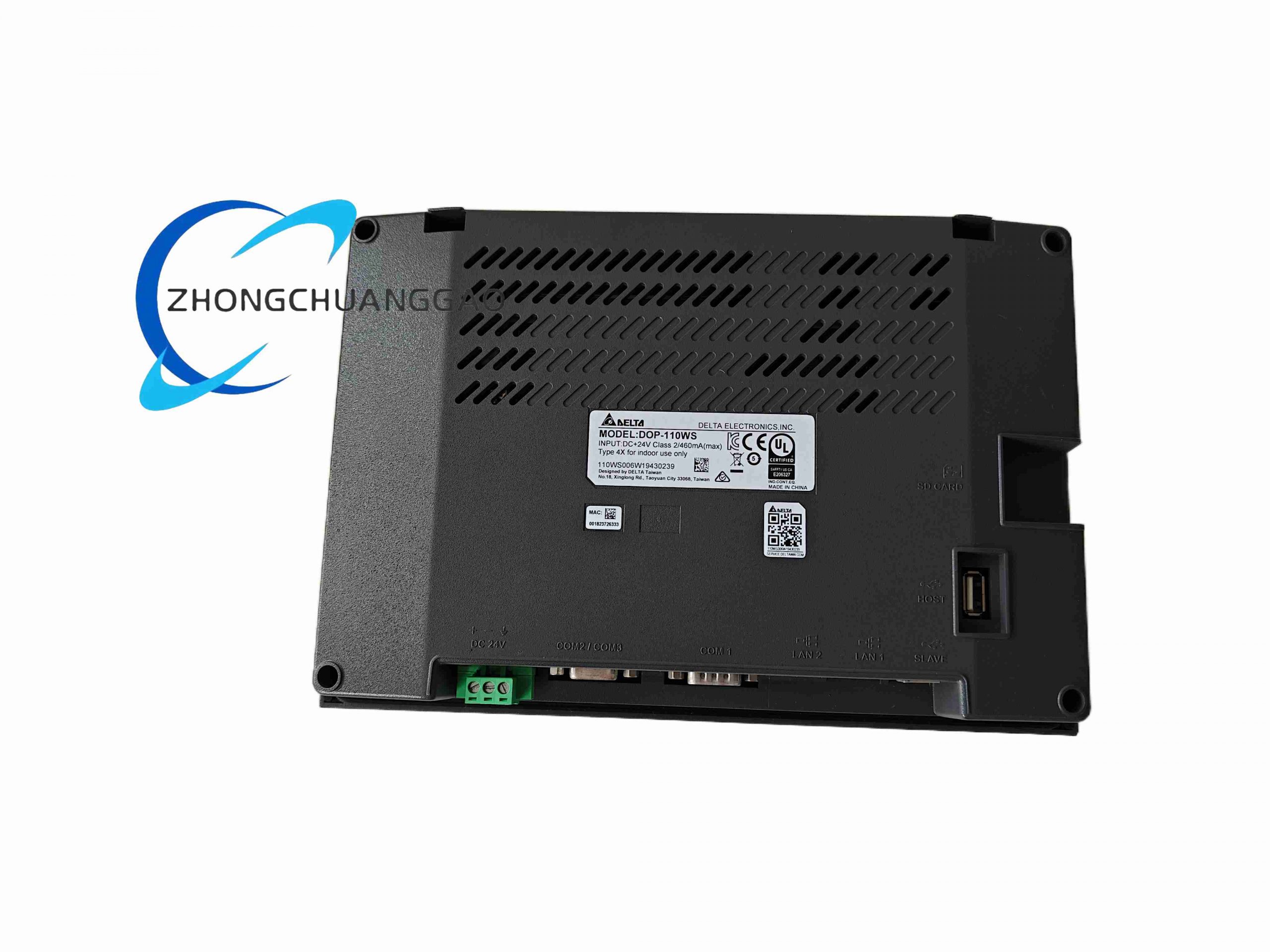
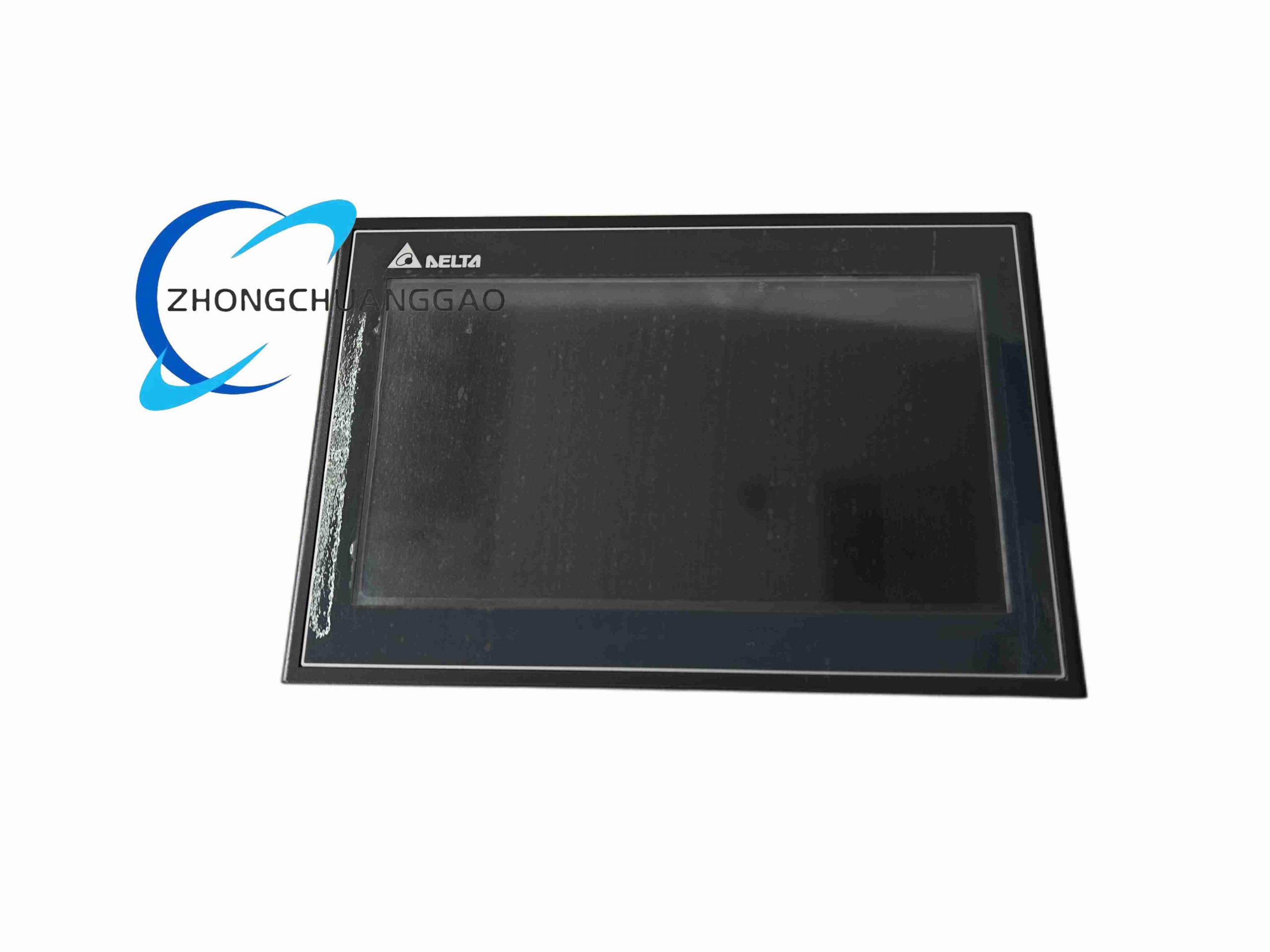
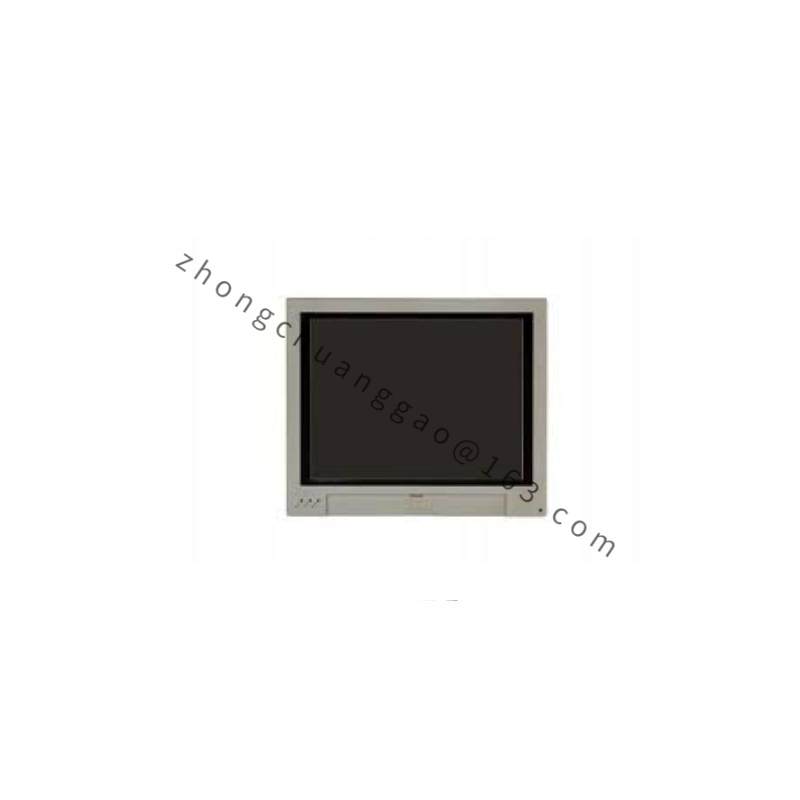
Display size 10.1 inches; resolution 1024×600 pixels; color depth 65,536 colors TFT; CPU Cortex-A8 800 MHz; memory 512 MB RAM and 256 MB ROM; onboard Ethernet ports two; serial COM ports two built-in plus one expansion COM; USB Host and USB Client; SD card slot supported.
Functional Features
Touchscreen editing, multi-language text input, recipe and data logging through HMI project software, serial and Ethernet polling of controllers, USB firmware/project transfer, SD backup, and alarm history display.
Application Scenarios
Packaging machines, textile equipment, semiconductor tool local monitoring, food and beverage lines, and general discrete manufacturing panels requiring 10.1-inch visualization.
Performance Parameters
Operating voltage DC 24 V; front-panel protection IP65/NEMA4 on applicable DOP-W-class installations; operating temperature 0–50 °C; storage temperature −20–60 °C; operating humidity 10–90% RH non-condensing. Isolation test between DC24V terminal and FG terminal AC 500 V for one minute on applicable DOP-W-class units.
Material And Structure
Plastic front bezel assembly with TFT LCD, touch layer, mainboard, COM/USB/ethernet connectors, and rear terminal block; DOP-W-class large HMI uses aluminum die-cast housing options depending on model.
Working Principle
HMI runtime reads device registers through RS-232/RS-422/RS-485 or Ethernet, converts tags into screen objects, writes setpoints back to controllers, and stores logs on USB or SD media.
Installation Requirements
Mount in panel cutout with specified sealing gasket; use isolated 24 VDC power supply; separate communication cables from motor power cables and high-voltage conduits; ground FG terminal; leave ventilation clearance at top and bottom; insert one wire per terminal only.
Usage Precautions
Disconnect power before wiring or battery replacement; wait specified discharge time before touching terminals on applicable models; do not block ventilation holes; verify COM mode, baud rate, and station ID before online download; keep firmware and DOPSoft project version compatible.