Technical Specifications
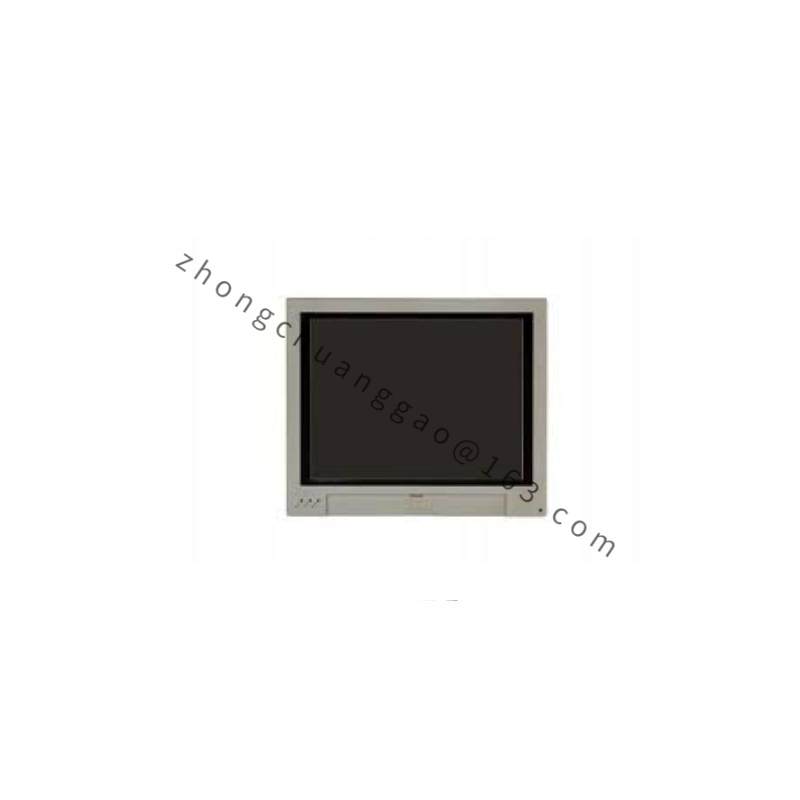
Small built-in Panel PC form: 6.5-inch TFT, 640×480 VGA, resistive touch, 16-bit color, Intel Celeron class processor, Windows CE or Windows Embedded, 24 V DC, 1× Ethernet 10/100, TwinCAT HMI/soft-PLC support, front IP65, rear IP20, 0 to +50 °C.
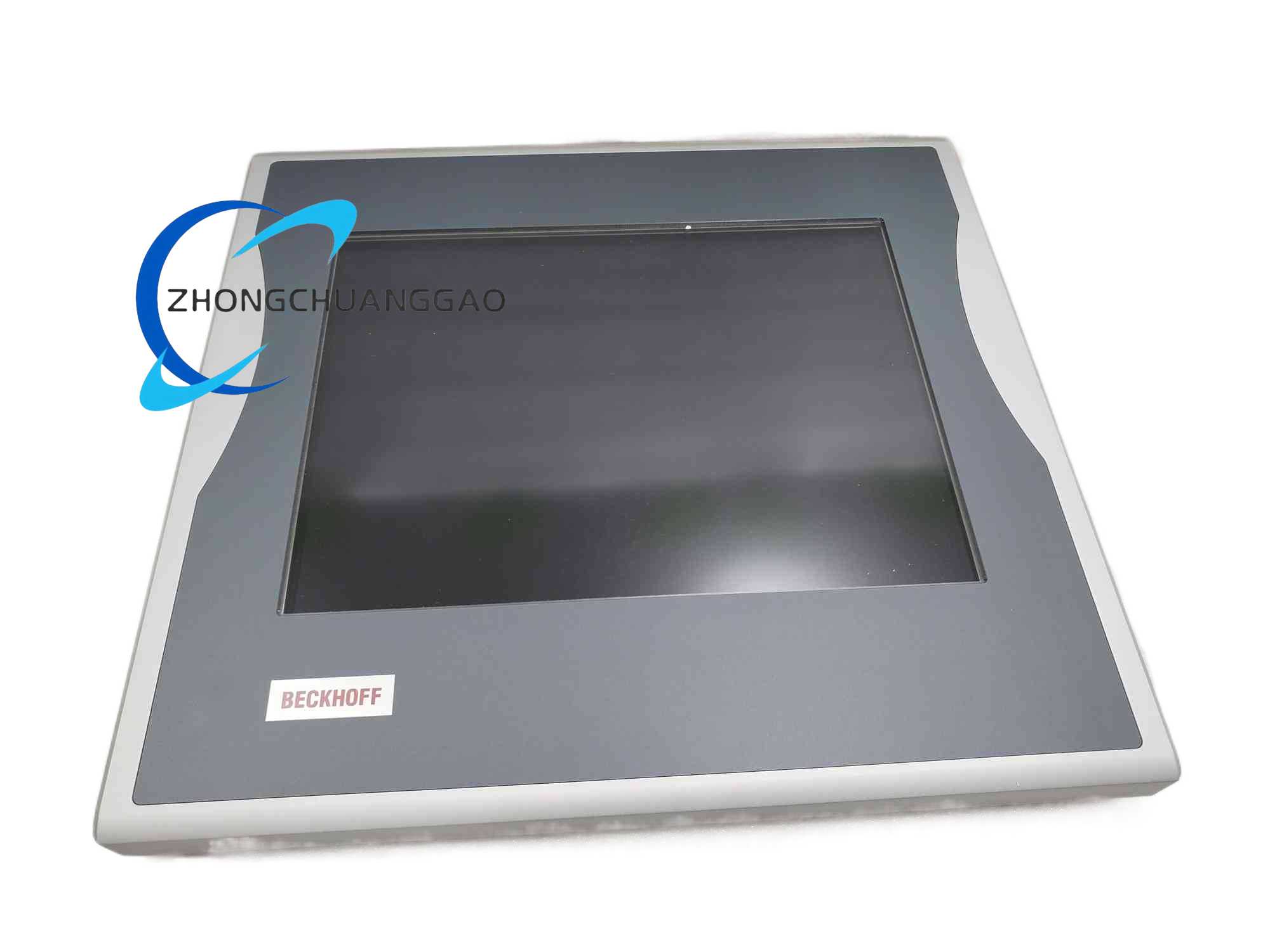
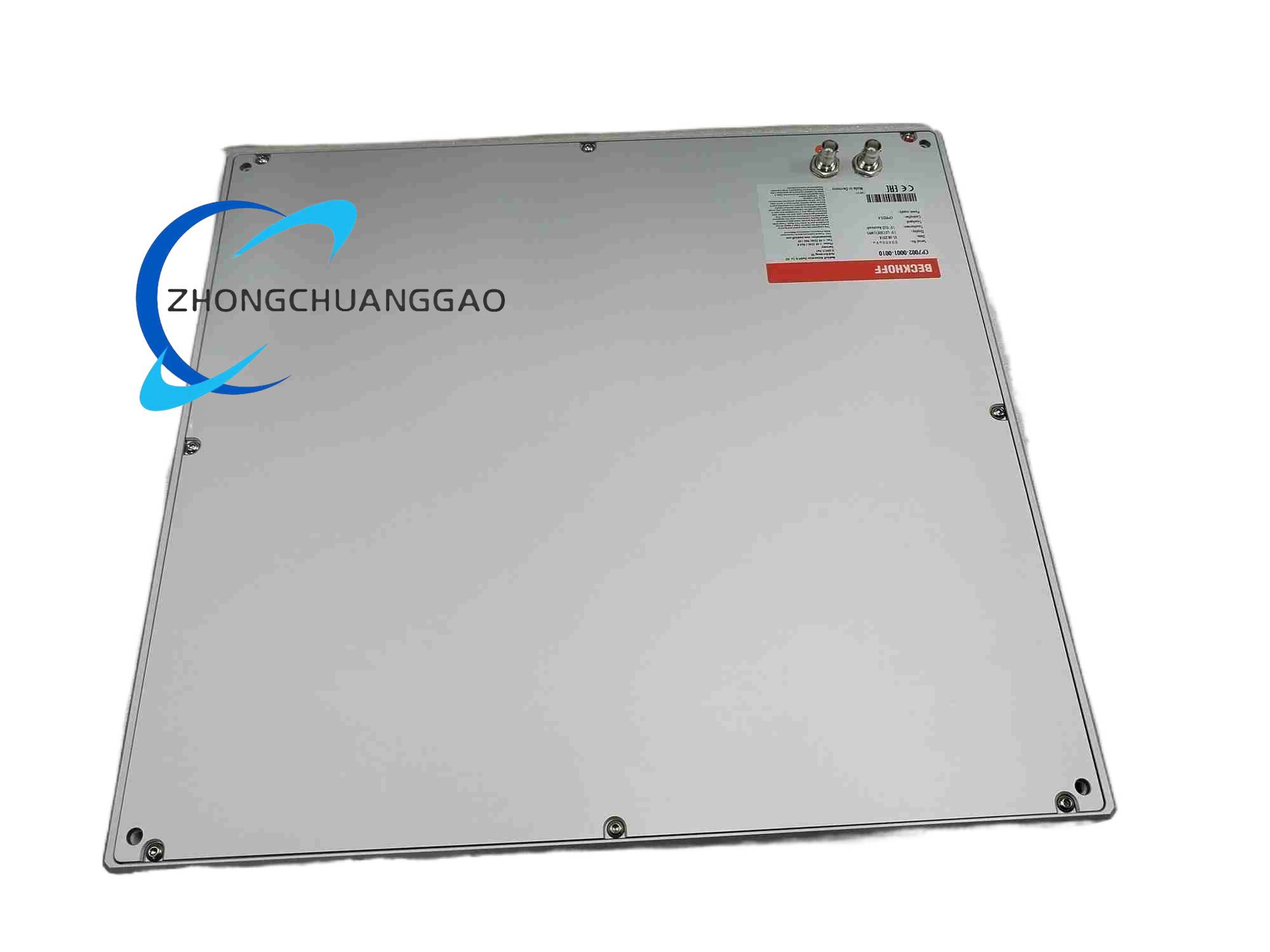
CP-Link panel form: 15-inch TFT, 1024×768, touchscreen, aluminum housing, 2× BNC CP-Link coaxial connections, power and video over CP-Link, up to 100 m panel-to-PC distance, front IP65, optional keys, 0 to +55 °C, humidity up to 95% non-condensing.
Power supply: 24 V DC for standalone built-in form; CP-Link powered for BNC CP-Link form.
Communication: Ethernet for built-in PC form; CP-Link coaxial for remote panel form; additional USB/serial according to PC board and option.
Storage: CompactFlash or SD/CFast according to the built-in PC revision.
Functional Features
HMI visualization with Beckhoff TwinCAT HMI, Windows CE/Windows Embedded or connected CP-Link PC runtime.
Touch operation for setpoint entry, alarm acknowledgment, recipe selection and process monitoring.
Optional physical keys/function keys according to the 0001 front configuration.
CP-Link models separate the display panel from the host PC, reducing cabinet-door wiring and allowing long-distance operator stations.
Built-in PC models combine visualization and local control runtime in one front-mount unit.
Application Scenarios
Machine cabinet doors, packaging machines, textile machinery, plastics machines, assembly lines, laboratory equipment, food/pharma washdown-adjacent panels with suitable cabinet protection, and remote operator stations using CP-Link.
Performance Parameters
Built-in 6.5-inch form: VGA resolution, resistive touch, approximately 20 W power consumption in listed reseller data.
CP-Link 15-inch form: 1024×768 TFT, aluminum enclosure, IP65 front, shock resistance quoted up to 5 G/30 ms in reseller data.
HMI refresh and control cycle depend on TwinCAT runtime, host PC performance and fieldbus load.
Material Composition
Front frame: aluminum for CP-Link 15-inch form; industrial plastic/metal combination for small built-in form.
Display: TFT LCD with resistive or PCAP touch overlay according to variant.
Rear housing: sealed electronics compartment; CP-Link models use BNC coaxial connectors and aluminum body.
Mounting hardware: M6 threaded inserts or panel clamps according to model size.
Structural Characteristics
Built-in form uses cabinet front cut-out with rear PC connections.
CP-Link form uses two BNC connectors for combined video/power, no separate 24 V feed at the panel when CP-Link powered.
Front sealed bezel maintains IP65 against dust and water jets.
Rear service access depends on form: built-in PC provides storage/OS media access; CP-Link panel provides only signal/power BNCs.
Working Principle
In built-in PC form, the integrated processor runs HMI and optional TwinCAT tasks, reads field data over Ethernet/fieldbus, and presents operator screens on the TFT touch display. In CP-Link form, the host industrial PC sends display video and receives touch/key data through CP-Link coaxial cables; the panel performs visualization while control logic remains in the cabinet PC. Both forms convert operator input into commands and return status, alarms and process trends to the screen.
Installation Requirements
Verify whether the unit is standalone built-in PC or CP-Link panel before cut-out and cable planning.
For built-in PC form, prepare cabinet cut-out for the ordered display size, supply 24 V DC, and reserve rear space for Ethernet/USB/storage service.
For CP-Link form, install two coaxial CP-Link cables between panel BNCs and the host CP-Link PC, respecting the 100 m maximum distance.
Ground the aluminum panel and cabinet to the plant protective-earth system.
Maintain front sealing gasket seating to preserve IP65.
Usage Precautions
Do not mix 6.5-inch built-in firmware with 15-inch CP-Link image files.
Calibrate the resistive touchscreen after replacement or if cursor offset occurs.
Backup CompactFlash/SD/CFast image before OS or TwinCAT changes.
Power down before removing CP-Link BNC cables or opening built-in PC storage cover.
Avoid direct high-pressure wash on rear connectors; IP65 applies to the front only unless additional enclosure protection is provided.