Technical Specifications
Manufacturer: Applied Materials.
Function: digital counting, pulse accumulation, discrete input/output routing.
Operating environment: cleanroom tool electronics rack or chassis.
Operating temperature: 0 to 50°C in public supplier listing.
Enclosure type: modular circuit card with rigid extraction frame.
Backplane communication: supported through tool defined VME or proprietary interface; exact bus depends on chassis configuration.
Functional Features
High resolution pulse detection for encoder, timer, or event counting.
Discrete digital input and output routing for sensors and actuators.
Backplane handshake with host controller.
Cleanroom grade circuit architecture for stable signal tracking.
Structural Characteristics
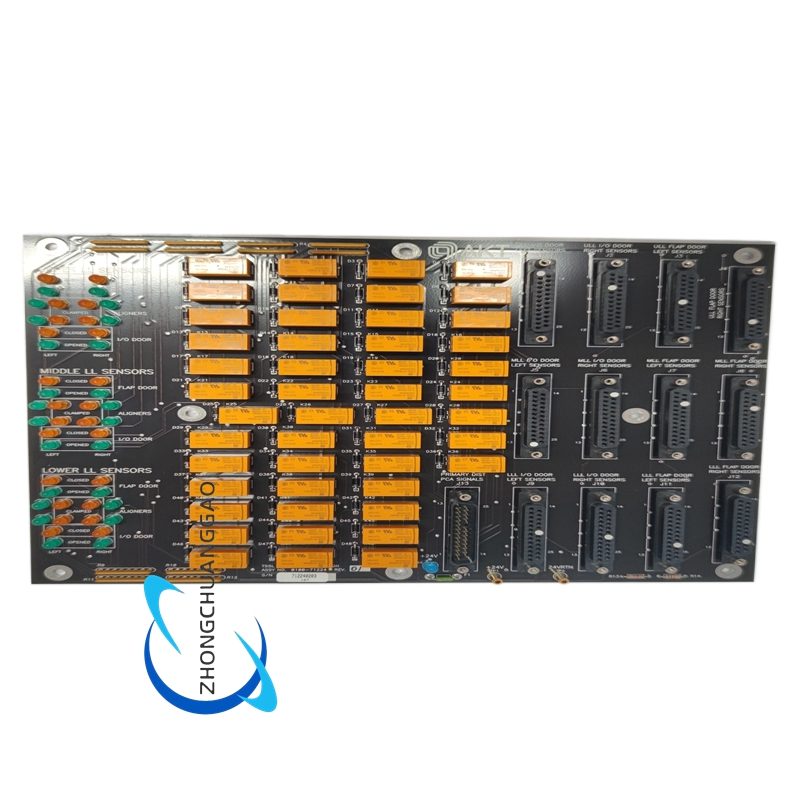
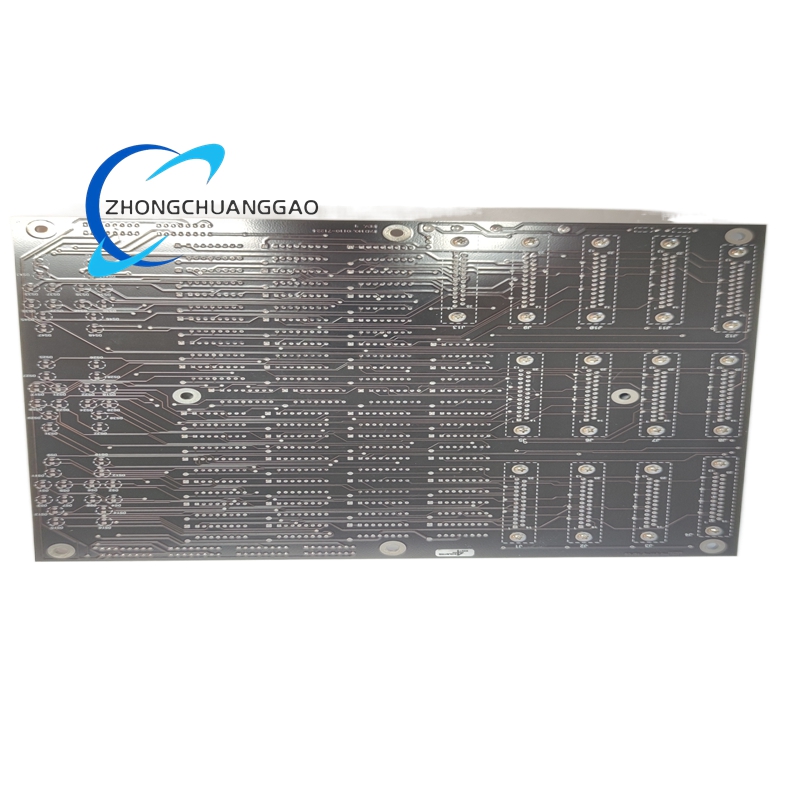
Printed logic board with counter integrated circuits, digital I/O headers, backplane connector, indicator or test access points, and extractor bracket for rack service.
Working Principle
Incoming pulse or discrete signals are conditioned, counted, and stored in registers. The logic section routes I/O states to the backplane, and the host controller reads counts or status for synchronization, timing, and interlock decisions.
Application Scenarios
Legacy AMAT CVD or etch tool automation racks.
Wafer handling timing and encoder pulse counting.
Discrete interlock and event monitoring in semiconductor chassis.
Counter replacement where original board part number matches 0100-71224.
Installation Requirements
Verify slot mapping, jumper settings, and backplane address before insertion.
Align the board with guide rails and fully seat the backplane connector.
Confirm firmware or microcode revision with the existing tool software.
Power down the rack before card replacement.
Usage Precautions
Do not hot swap into an energized chassis.
Check for pulse loss, counting drift, or communication faults after installation.
Inspect connector fingers and clean oxidation with approved methods.
Replace with identical revision where the tool documentation requires fixed firmware.