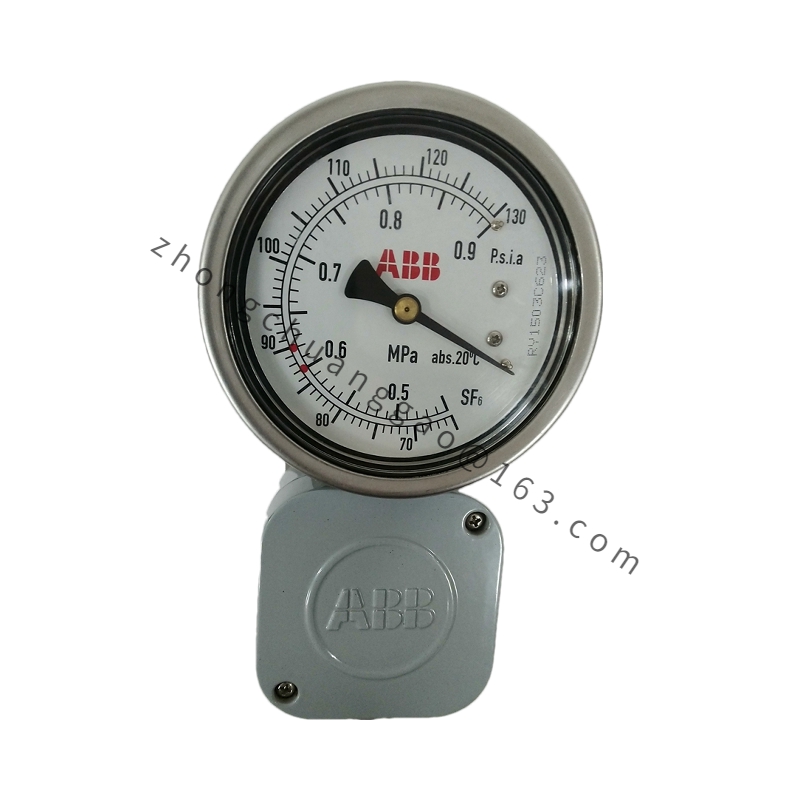
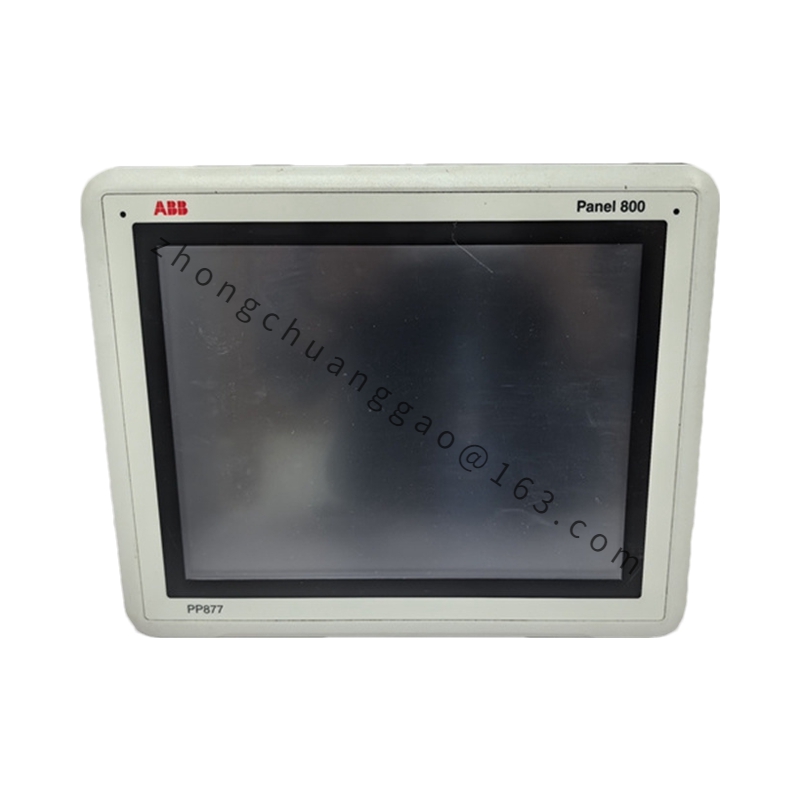
Technical Specifications
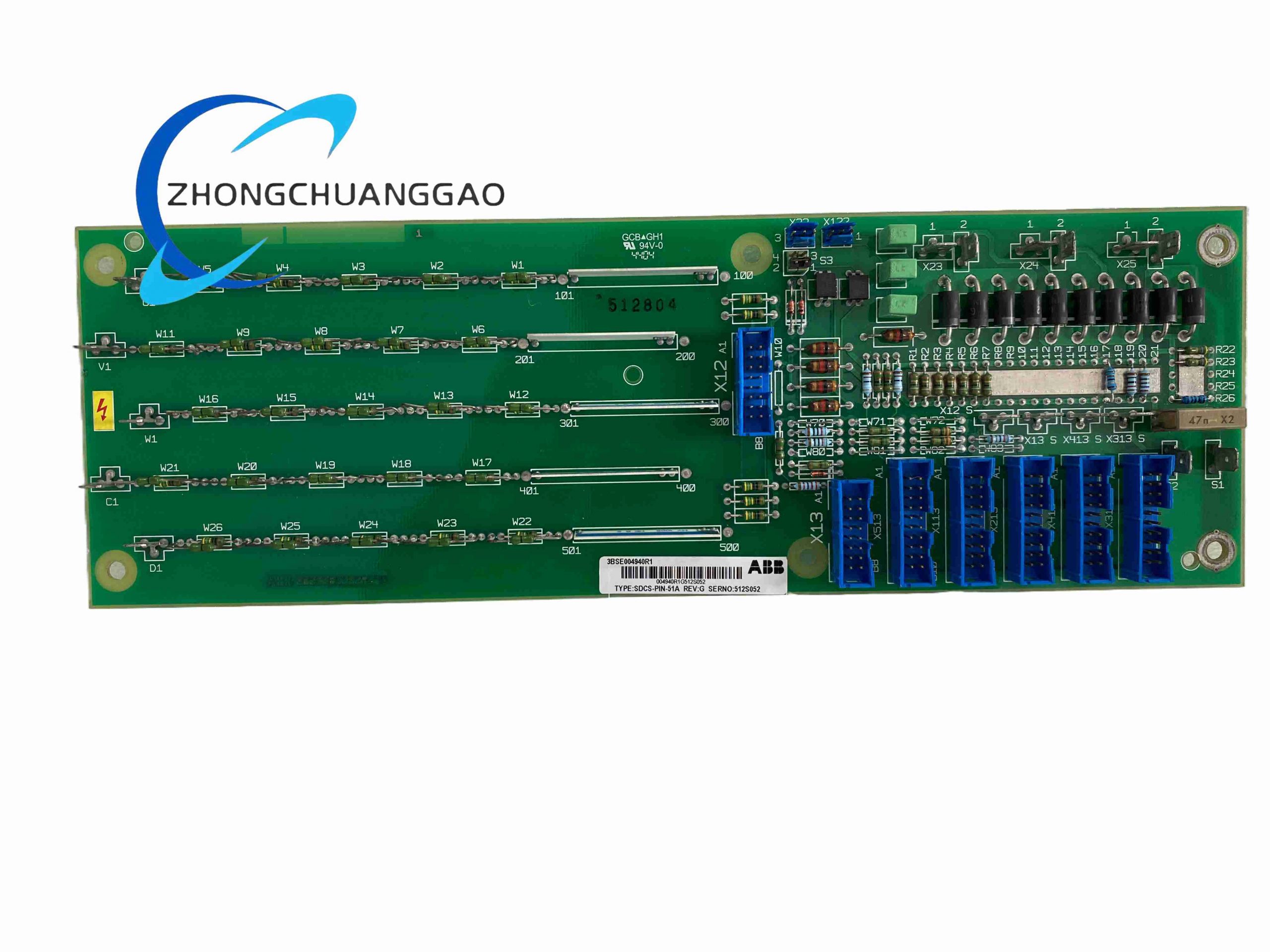
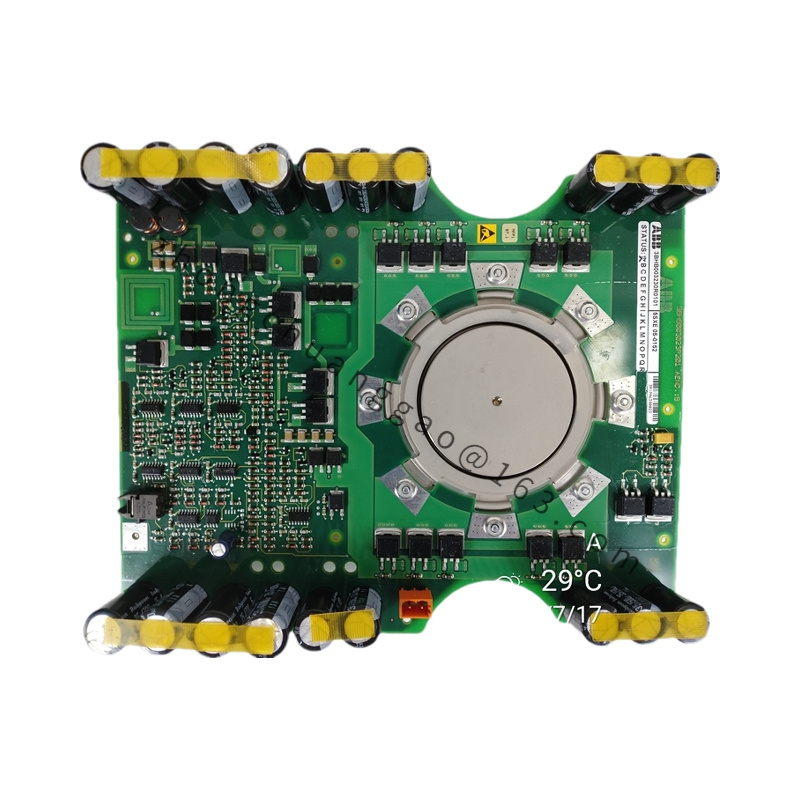
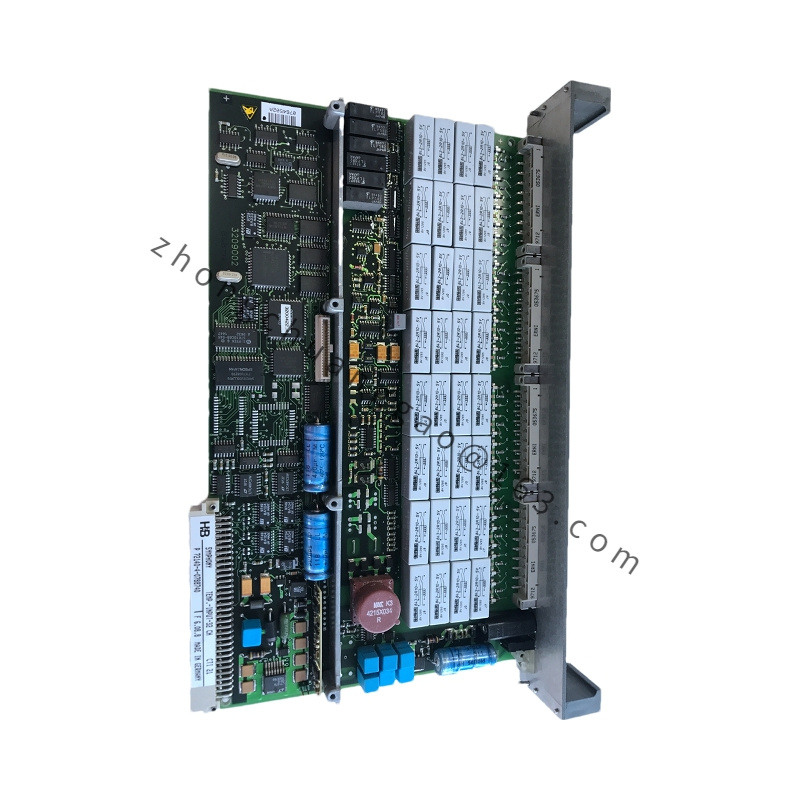
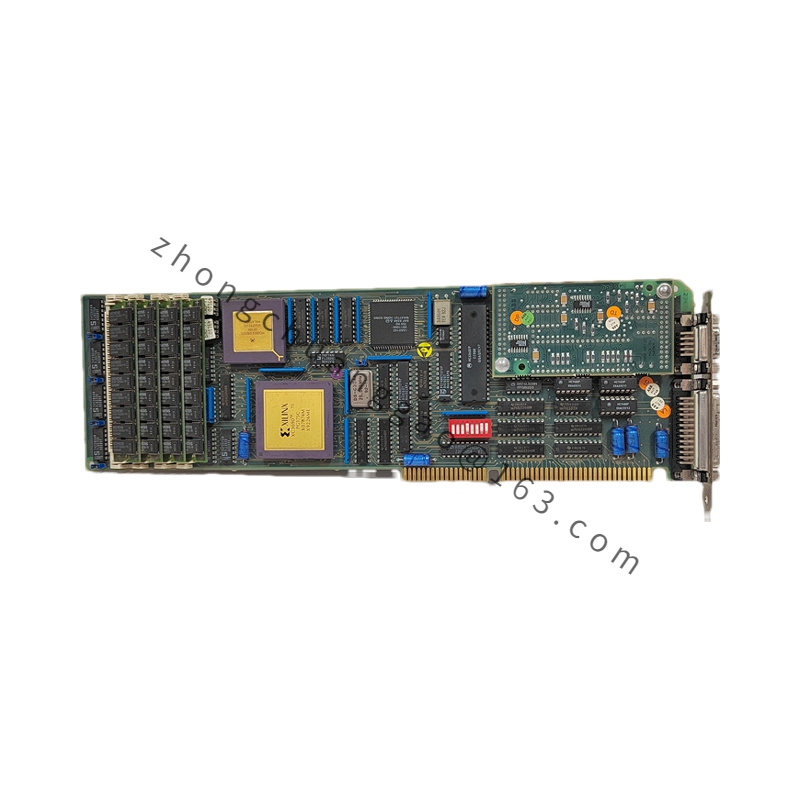
Model: SDCS-PIN-51A
Board Type: power measurement / interface board
Supply: 24 V DC from drive auxiliary power
Compatible Drives: DCS500B, DCS600, DCS800
Associated Control Board: SDCS-CON-2 / CON-4 family
Mounting: internal drive backplane or metal mounting plate
Signal Processing
High-voltage resistive division for AC input and DC bus voltage
Current transformer signal conditioning
Zero-current and overcurrent detection
Temperature input acquisition
Hardware fault detection
Functional Features
Galvanic separation between power-section sensing and control logic
Noise filtering for thyristor switching environment
Hardware jumper selection for voltage range
Closed-loop feedback preparation for main control board
Material & Construction
Industrial multilayer PCB
Conformal coating on designated versions
High-voltage resistors, isolation components and signal connectors
Working Principle
The board scales kilovolt-level main-circuit signals and current-transformer outputs into low-level measurement signals, performs filtering and isolation, then transmits processed data to the drive control board through the internal drive bus.
Application Scenarios
Large DC drives, rolling mills, hoists, winding machines, paper machines and heavy industrial power converters.
Installation Requirements
Disconnect and lock out drive power before service.
Mount on grounded metal support inside cubicle.
Keep cable lengths to PIN-48 and control board within design limits.
Verify jumper settings for rated voltage before operation.
Usage Precautions
High-voltage circuits are present on measurement inputs.
Do not bypass isolation barriers.
Confirm compatible SDCS-PIN-51 / 51A version.
Inspect grounding and shielding after installation.